

Starting your home on the path to smartness begins with installation. Millions of U.S. homes now use connected devices for lighting, security, and climate control. This guide will help you plan and set up a seamless system.
Whether you’re adding a single smart speaker or a full system, the right installation is key. Learn when to DIY or call in the pros for complex setups. Find out how brands like Amazon Alexa and Google Home affect your system’s performance.
Table of Contents
Key Takeaways
- Smart home installation requires planning device placement and network setup
- DIY options exist for basic tasks like smart lighting or thermostats
- Professional smart home services handle advanced wiring and multi-room systems
- Compatibility between devices impacts overall system performance
- Proper installation enhances security features in cameras and entry sensors
Understanding Smart Home Technology Basics
Before you start with smart home installation, learn the basics. Smart homes use devices that talk to each other. Picking the right system means your devices will work well together.
Popular Smart Home Ecosystems and Their Compatibility
Big names like Amazon Alexa, Google Home, Apple HomeKit, and Samsung SmartThings offer different perks. Alexa is great for voice commands, while HomeKit focuses on privacy. Make sure your devices can work together.
For example, Philips Hue lights work with many systems. But, Apple’s HomePod might limit your choices. Look at compatibility charts and read reviews to match your smart home services provider.
Essential Smart Home Devices for Beginners
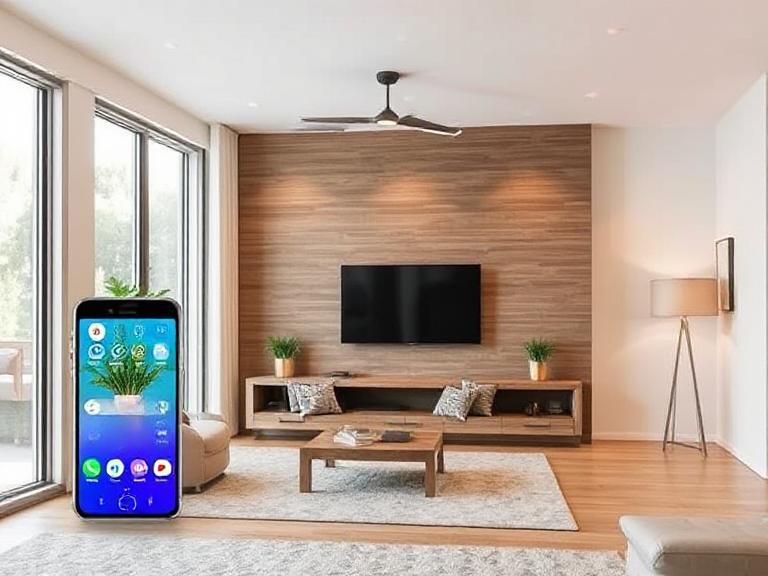
- Smart speakers: Essential for voice control (e.g., Echo Dot, Nest Hub).
- Smart plugs: Make regular appliances Wi-Fi-enabled.
- Lighting systems: Philips Hue or LIFX for mood lighting.
- Smart thermostats: Nest or Ecobee for energy savings.
Begin with the basics to see how they work. These devices are a good starting point for more.
How Smart Home Systems Communicate
Devices connect through Wi-Fi, Zigbee, or Z-Wave. Wi-Fi is common but uses a lot of battery. Zigbee and Z-Wave are better for big homes because they use mesh networks.
Bluetooth is good for short distances, like headphones. But, it’s not for smart home installation. Your hub or gateway is the main controller. Choose one that supports your preferred protocols.
Doing your homework on these topics early helps avoid problems. A well-thought-out setup makes installation easier, whether you do it yourself or get smart home services help.
Planning Your Smart Home Setup
Begin by drawing a map of your home. Identify key areas like lighting, security, and climate control. This plan helps you focus on what’s important and avoid spending too much on gadgets.
- Budget breakdown: Smart hubs cost between $50 and $200. Sensors and bulbs are $20 to $50 each. Remember to include installation costs if you need professionals.
- Infrastructure check: Make sure your Wi-Fi speed is at least 25+ Mbps. Check your wiring to see if it’s compatible with new devices. Also, note any thick walls that might block signals.
- Phased rollout: Start with the basics like security and lighting. Then, add more advanced features like voice control or automated blinds later.
Think about scalability. Choose devices that work with big systems like Google Home or Apple HomeKit. This way, you can add new gadgets without having to redo your whole setup.
If you’re not sure about wiring or network needs, search “smart home installation near me” for local experts. A certified smart home installation company can assess your space and suggest upgrades that fit your budget. Their advice can save you money on future changes.
Make a list of essential features and nice-to-haves. Include devices and their estimated costs. Adjust your plan based on your budget. This way, your smart home will grow with you without costing too much.
DIY Smart Home Installation: Step-by-Step Process
Starting your smart home installation journey requires a solid plan. Follow these steps to set up your devices safely and efficiently. This ensures all components work together seamlessly.
Setting Up Your Smart Hub or Controller
First, pick a hub that works with your devices. Download the app from the manufacturer and connect to your Wi-Fi. Most hubs use Bluetooth or Wi-Fi. Make sure your router supports both 2.4GHz and 5GHz bands for the best performance.
Installing Smart Lighting Systems
Begin with smart bulbs for an easy start. Screw them in, open the app, and follow the setup wizard. For switch replacements, turn off power at the circuit breaker. Use a smart home installation checklist to keep track of your progress:
- Turn off power before handling electrical systems.
- Test each bulb/switch after installation.
Nest Camera Installation and Security Device Setup
Here’s how to set up your Nest camera securely:
- Choose a spot with clear coverage and avoid direct sunlight.
- Mount the camera and connect power.
- Use the Nest app to name the camera and set motion alerts.
- Enable two-factor authentication for account security.
| Feature | Description |
|---|---|
| Indoor Placement | Optimal for doorways and hallways |
| Outdoor Placement | Weatherproof models required |
Configuring Smart Thermostats and Climate Control
Replace your old thermostat by first checking if your HVAC system supports smart models like Nest or Ecobee. Use a smart home installation guide to identify your HVAC type. Follow these steps:
- Turn off power to the thermostat’s circuit.
- Remove the old unit and attach the new one securely.
- Use the app to set schedules and link to your hub.
Voice Assistant Integration
Link devices to Alexa, Google Home, or Siri through your hub’s app. Enable voice commands for lights, cameras, and thermostats. Test each function to confirm compatibility.
When to Hire Smart Home Services Professionals
Not every smart home project needs a pro. But, for complex wiring, full-home automation, or top-notch security, experts are key. They make sure everything works smoothly.
Finding Reliable Smart Home Technicians Near Me
Start by looking locally for certified pros. Use phrases like smart home technician near me and check reviews on Yelp or Angie’s List. Make sure they’re certified by groups like CEDIA or ISCP. This means they’re really good at what they do.
- Check certifications: Ensure technicians are credentialed in smart home systems.
- Read recent reviews: Prioritize companies with consistent 4+ star ratings.
- Ask about guarantees: Reputable providers often offer warranties on work and devices.
What to Expect from Professional Smart Home Installation
Professional smart home services have a clear process. A certified tech will:
- Do a home check to figure out what you need.
- Put devices in the best spots for the best performance.
- Teach you how to use the app and solve simple problems.
Most installs take 1–3 days, with little to no disruption to your life.
Average Costs of Smart Home Installation Companies
The price for a smart home installation company varies. It can be from $500 to $3,000+, based on what you need. Simple setups cost $800–$1,500, but full-home automation can be over $5,000. The price changes based on the devices and custom wiring.
- Hourly rates: $75–$150 for labor-only tasks.
- Project-based pricing: Common for full-system overhauls.
- Hidden costs: Ask about permit fees or wall repair charges upfront.
While hiring pros costs more upfront, it saves you from future problems and makes your system last longer.
Troubleshooting Common Smart Home Connectivity Issues
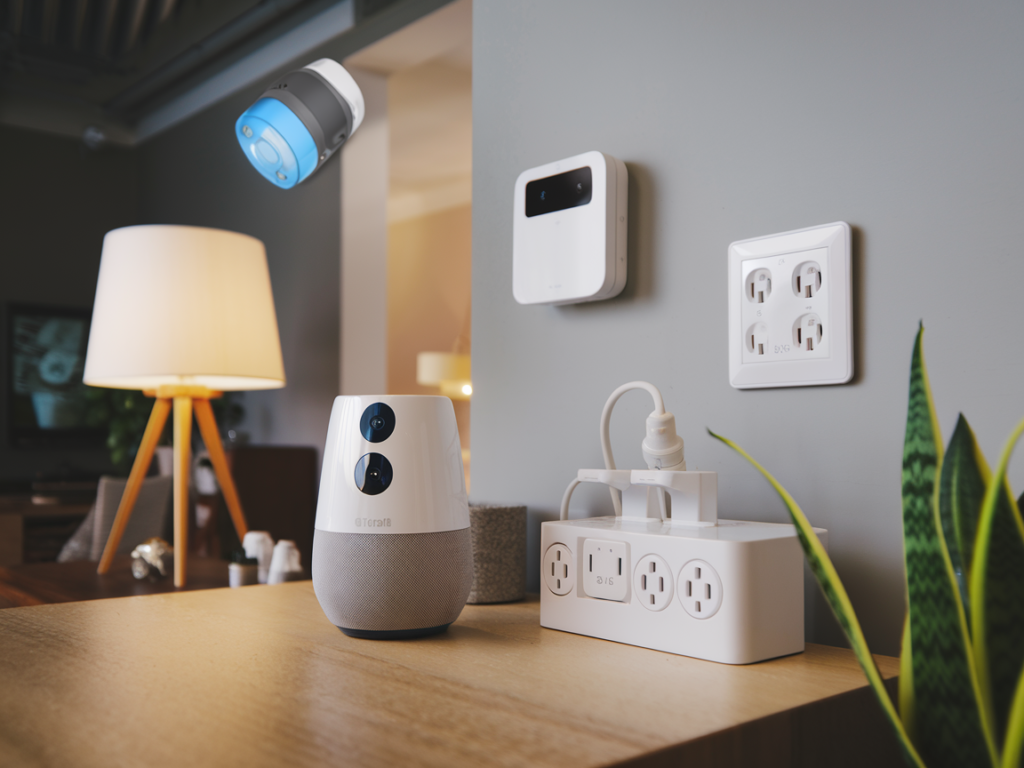
Smart home systems make life easier, but they can have connectivity problems. Start by checking the basics: restart devices, check Wi-Fi strength, and update firmware. If problems continue, follow these steps:
- Device Pairing Failures: Unpair and reconnect via the app. For Google Home or Alexa devices, reset to factory settings if needed.
- Intermittent Disconnections: Move devices closer to your router or use a Wi-Fi extender. Test mesh networks for consistent coverage.
- Slow Responses: Close unused apps using the smart hub. Prioritize critical devices in your network settings.
- App Sync Issues: Log out and back into the app. Reboot the router and try again. Check manufacturer forums for brand-specific fixes.
If you can’t fix the problem, it might be a hardware fault or a complex network setup. Issues like Bluetooth or Z-Wave signal problems, or systems that reset randomly, often need a pro. When dealing with advanced wiring or integration errors, getting a smart home technician near me is a good idea. They can fix things safely and efficiently.
Certified pros can also make sure your setup works well with different devices. For example, they can help with systems that use Philips Hue lights and Nest thermostats.
“90% of connectivity issues stem from software glitches or placement,” says Sarah Lin, a certified smart home technician. “The remaining 10% need hands-on hardware checks.”
Always write down error messages and what you’ve tried when you call for help. Clear communication helps experts find problems quickly. Regular maintenance, like updating firmware, can prevent many issues. By fixing things yourself and getting help when needed, you can keep your smart home running smoothly.
Conclusion: Enjoying Your Newly Connected Smart Home
After setting up your smart home, focus on making your daily life better. Start by creating scenes like lights dimming at sunset or the heating turning on when you arrive. These settings save energy and make your life easier.
Keep your system running smoothly with regular maintenance. Update your devices and check your security settings often. If you have problems, get help from certified smart home services. Make sure to check your devices every month to keep them working well.
Add new gadgets wisely. See which devices you use most, like Philips Hue lights or Nest thermostats. Only add new gadgets if they really improve your life. Keep your setup simple and focused on what you need.
Make sure everyone in your home can use the system easily. Use voice commands for common tasks with Alexa or Google Assistant. This makes controlling your smart home simple for everyone. Create guides or shortcuts for guests and those who are not as tech-savvy.
Keep up with tech news, but don’t rush to update everything. Most smart home services update gradually. Rely on alerts from the manufacturers instead of constantly updating your hardware. A well-planned smart home setup adapts as technology changes.
Imagine coming home to everything ready for you. The lights are on, the temperature is just right, and entertainment is ready to go. This is what a well-thought-out smart home installation offers. Making small changes now helps your system grow with you, without feeling overwhelmed.
FAQ
What is a smart home installation?
A smart home installation makes your home more convenient and efficient. It involves setting up devices like smart lighting and security cameras. These devices work together through a central hub for easy control.
How can I find smart home installation services near me?
To find services near you, search online for “smart home installation near me.” You can also check local directories or ask friends for recommendations.
What are the benefits of hiring a professional for smart home installation?
Hiring a professional ensures your system is installed right. They have the skills to handle complex setups and fix issues. This saves you time and avoids headaches.
How do I choose a reliable smart home technician?
Look for certified technicians with good reviews. Check Angie’s List or Yelp. Ask about their experience and how they approach installations.
What is involved in a Nest camera installation?
Installing a Nest camera involves choosing the right spots and mounting them securely. You also need to connect them to Wi-Fi and set them up through the Nest app. A pro can make sure they work well with your smart home.
What are common issues during smart home device setup?
Common problems include connectivity issues and trouble pairing devices. Weak networks can also cause problems. If you’re stuck, a smart home technician can help.
How much should I expect to pay for professional smart home installation?
The cost varies based on the system’s complexity and your home’s size. You might pay $100 to $200 per hour or a project fee of $500 to over $2,000.
Can I install smart home devices on my own?
Yes, many devices are easy to install yourself. Simple setups like smart bulbs need little tech knowledge. But for complex systems, like security systems, it’s best to get professional help.


Howdy! I simply want to give a huge thumbs up for the nice data you might have here on this post. I can be coming back to your weblog for extra soon.
Howdy right back at you! 🤠 That’s such an energizing message — thank you for the thumbs up and the good vibes. I’m really glad the post hit the mark for you, and I’ll be here with more fresh content whenever you swing by again. Your support keeps the momentum going!
Howdy! Would you mind if I share your blog with my twitter group? There’s a lot of people that I think would really enjoy your content. Please let me know. Thanks
Howdy! We would be absolutely delighted for you to share our blog with your Twitter group. Thank you so much for your kind support—it means a lot to us! We hope they enjoy the content. Cheers!
I would like to thnkx for the efforts you have put in writing this blog. I am hoping the same high-grade blog post from you in the upcoming as well. In fact your creative writing abilities has inspired me to get my own blog now. Really the blogging is spreading its wings quickly. Your write up is a good example of it.
Great write-up, I am normal visitor of one’s web site, maintain up the nice operate, and It is going to be a regular visitor for a lengthy time.
Thank you for another excellent post. Where else could anybody get that kind of information in such an ideal way of writing? I’ve a presentation next week, and I am on the look for such information.