How the Notion App Transformed from a Simple Note-Taking Tool into a $10 Billion Productivity Powerhouse
In the fast-paced world of productivity tools, few platforms have captured user loyalty and transformed work habits like the Notion app. Far beyond a digital notebook, Notion has evolved into a comprehensive productivity environment that empowers individuals and teams to organize, collaborate, and innovate seamlessly.
This article dives deep into Notion’s incredible journey from an ambitious startup to a tech giant valued at over $10 billion, revealing the innovative “Lego block” approach that reshaped how users create and manage digital workspaces in 2025.
What is the Notion App? An Introduction to the Ultimate Productivity Tool
Right from the start, the Notion app sets itself apart by offering core building blocks—pages, tables, lists, and boards—that users can combine creatively to build their own customized management systems. This modular design, inspired by Lego bricks, provides unmatched flexibility rarely seen in productivity applications.
The app supports diverse workflows, including:
- Note-taking and document writing
- Task and project management
- Collaborative workflows
- Knowledge base creation
- Personal productivity organization
With its clean, user-friendly interface and powerful customization options, Notion appeals to solopreneurs, remote teams, and Fortune 500 companies alike.
Early Challenges and the Birth of Notion’s Lego-Inspired Concept
Originally, digital tools required technical skills just to create simple things online. Notion’s founders, Ivan Zhao and Simon Last, envisioned a tool that made digital content creation as accessible as snapping Lego bricks together.
Zhao, initially a cognitive science student at the University of British Columbia with a passion for computing, started by building websites for artists unfamiliar with coding. This sparked the goal to democratize software creation.
Later, meeting Last, a computer science student from the University of Maryland, they decided to build a no-code platform for creating websites and digital content with zero programming skills needed. Despite an initial rocky start with an unstable product, the pair was determined to reinvent their approach.
How the Notion App Overcame Early Obstacles to Find Success
In the early 2010s, the productivity app market was fiercely competitive. Notion’s first launch struggled with bugs and lost data, limiting adoption among users. Funding was tight, and the team faced the tough choice of shutting down or rebuilding.
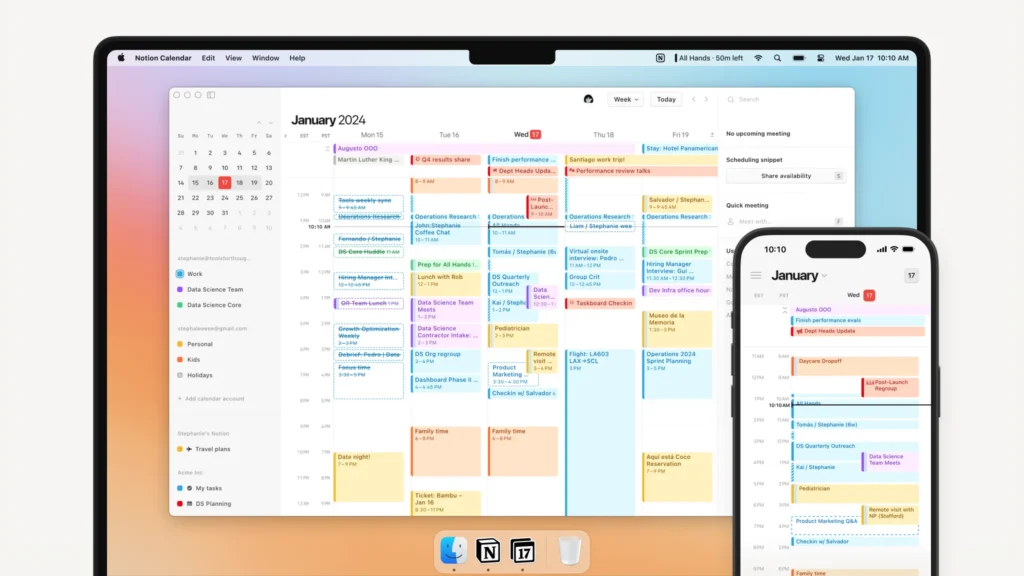
Choosing renewal, Zhao and Last relocated to Kyoto, Japan, slashed costs, and rebuilt the app from scratch. Zhao even borrowed $150,000 from his mother for emergency funding. After nearly a year of dedicated effort, Notion 2.0 launched with a sleek black-and-white interface.
This version allowed users to write notes, create to-do lists, and use over 30 document templates, including product roadmaps. Importantly, it introduced the concept of “blocks” — modular pieces like text, images, tables, and task lists that users could add, combine, and customize with simple drag-and-drop.
Soon after, Notion introduced collaborative capabilities enabling comments on blocks, which fueled community engagement and rapid iteration.
The Power of Databases and Kanban Boards: Scaling Notion’s Functionality
Recognizing that databases were the app’s most popular feature, Notion focused the next release on relational databases, templates, and Kanban-style project boards.
This update gave users the ability to link data across multiple tables, create custom views, and build workflows tailored to individual or team needs. Released on Product Hunt, the app gained swift recognition for its simplicity and depth.
Large corporations such as Amazon, Pixar, Uber, Toyota, and Nike quickly integrated Notion into their operations, validating its enterprise appeal.
Pandemic-Era Boost: Why Notion Became Essential for Remote Work
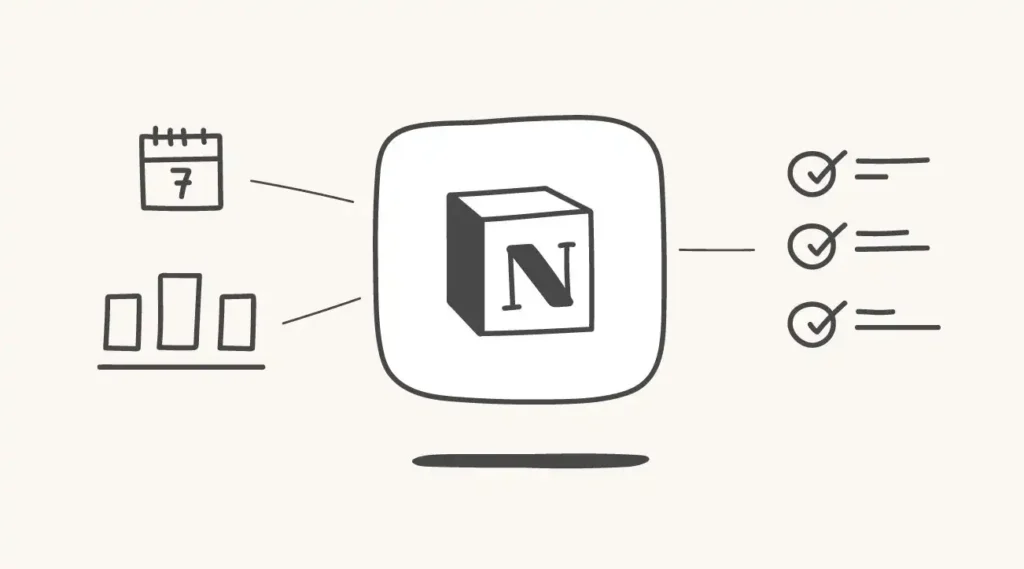
The COVID-19 pandemic drastically reshaped working norms, accelerating the global adoption of remote collaboration tools. Teams needed all-in-one platforms to manage tasks, documents, communication, and project tracking in one place.
Notion’s combination of note-taking, project planning, and real-time collaboration made it an ideal solution. Its customizable workflows helped dispersed teams stay connected and organized amid uncertain work environments.
This surge helped Notion exceed 30 million active users, including over 4 million paid subscribers, and vastly increased enterprise demand.
API Launch and AI Integration: Reinventing the Future of Work
To strengthen its ecosystem, Notion released an API enabling developers to integrate it with payment processors, Customer Relationship Management (CRM) systems, and third-party apps, boosting workflow automation and customization.
Riding the AI wave, Notion also rolled out AI-powered features to help summarize notes, generate content, and automate routine tasks—solidifying its position as a leading smart productivity tool in 2025.
Real-World Examples of Notion’s Versatility
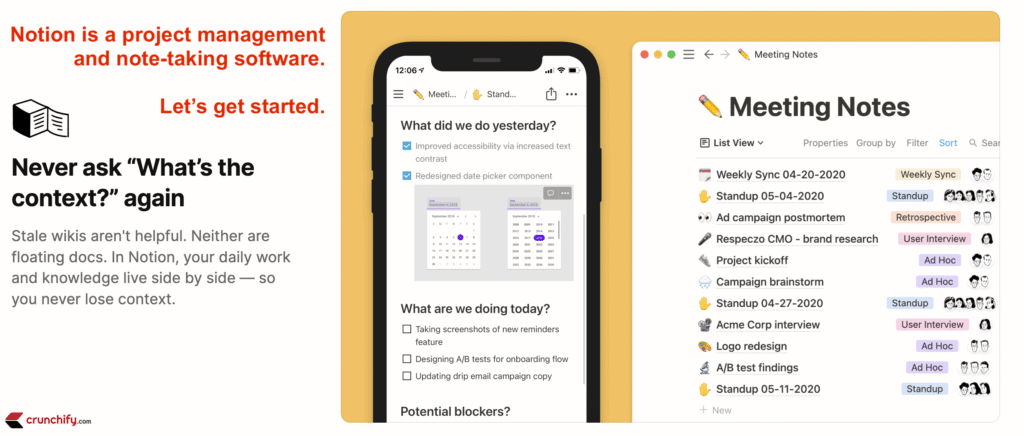
- Startups and SMBs use Notion for agile project management, linking customer feedback to product development cycles.
- Educational institutions manage lesson plans, class notes, and collaborative research.
- Creative agencies harness it for asset organization, timelines, and client reviews.
- Individuals benefit from personal finance trackers, habit planners, and goal-setting dashboards.
Including screenshots or diagrams showing Notion’s block system and database relationships would enhance article clarity here.
How to Get Started with the Notion App: A Quick Setup Guide
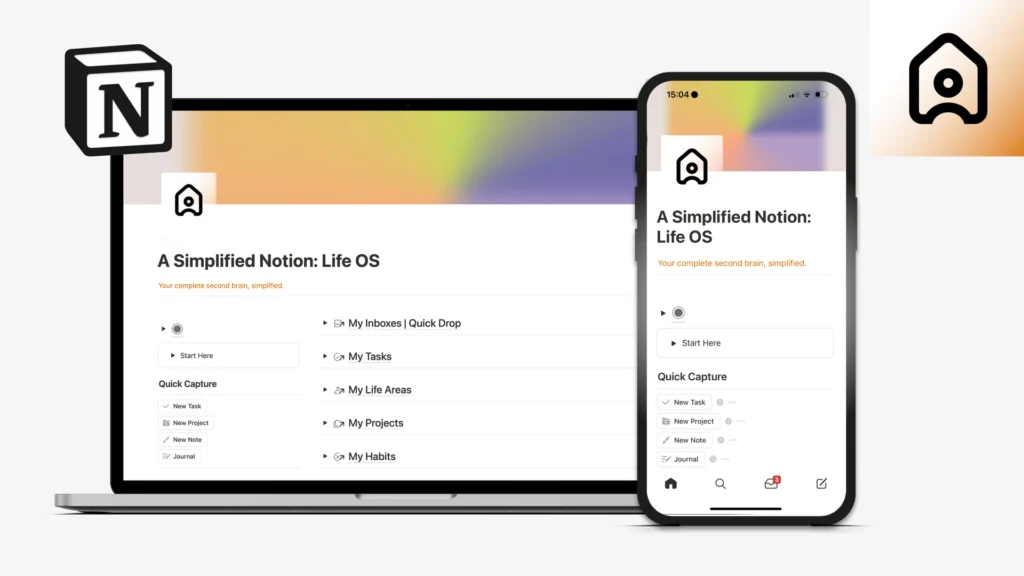
- Create an Account on Notion’s website or download the mobile app.
- Choose templates aligned with your needs (project management, note-taking, knowledge base).
- Customize pages using blocks—add text, images, tables, and lists.
- Build relational databases to organize complex information.
- Invite team members for collaboration with real-time commenting.
- Explore integrations via the Notion API for automation options.
Recommended Laptops for Notion and Smart Tech Usage
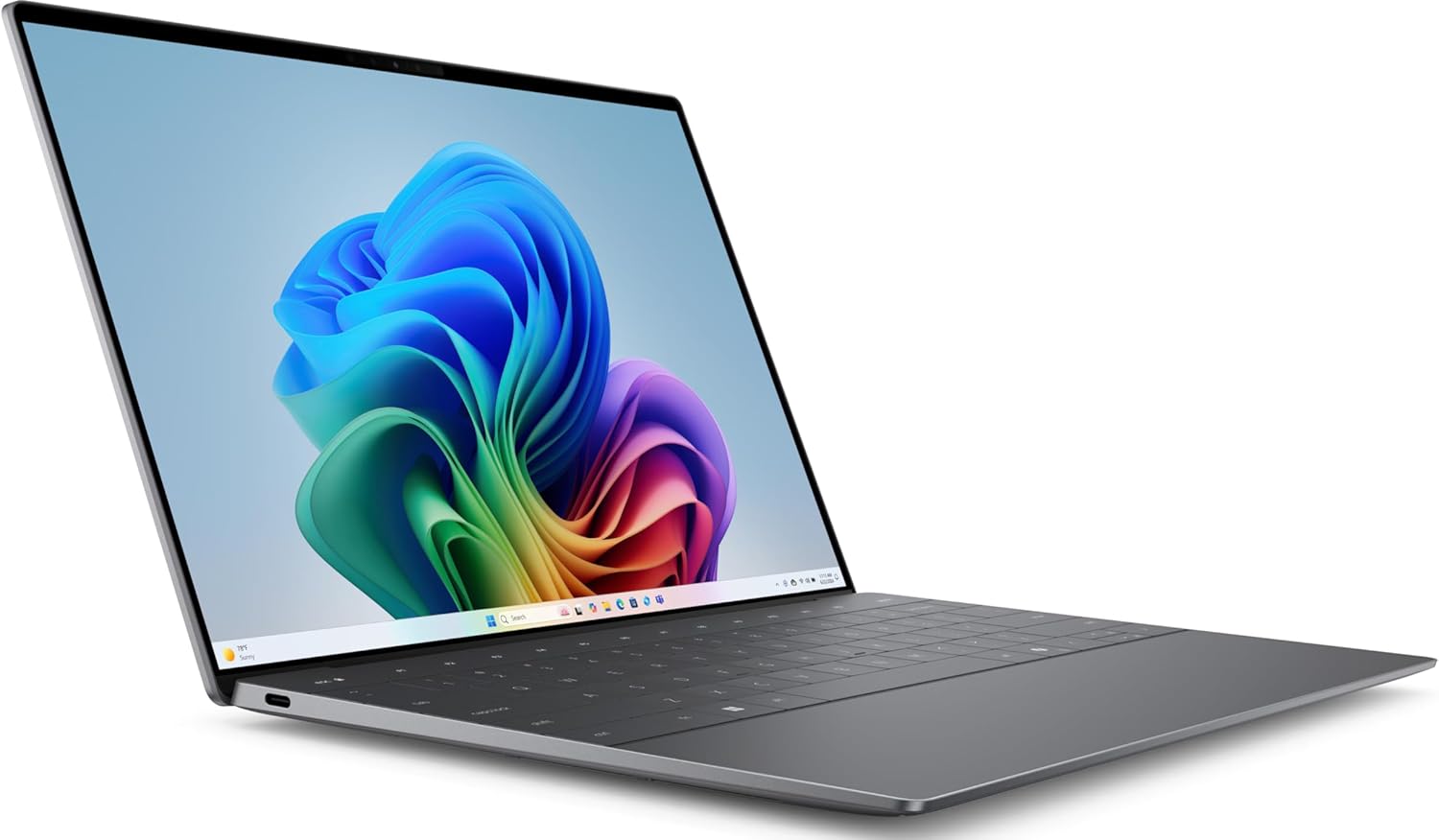
Dell XPS 13 – Best for Portable Power

MacBook Air M2 – Ideal for Creative Teams

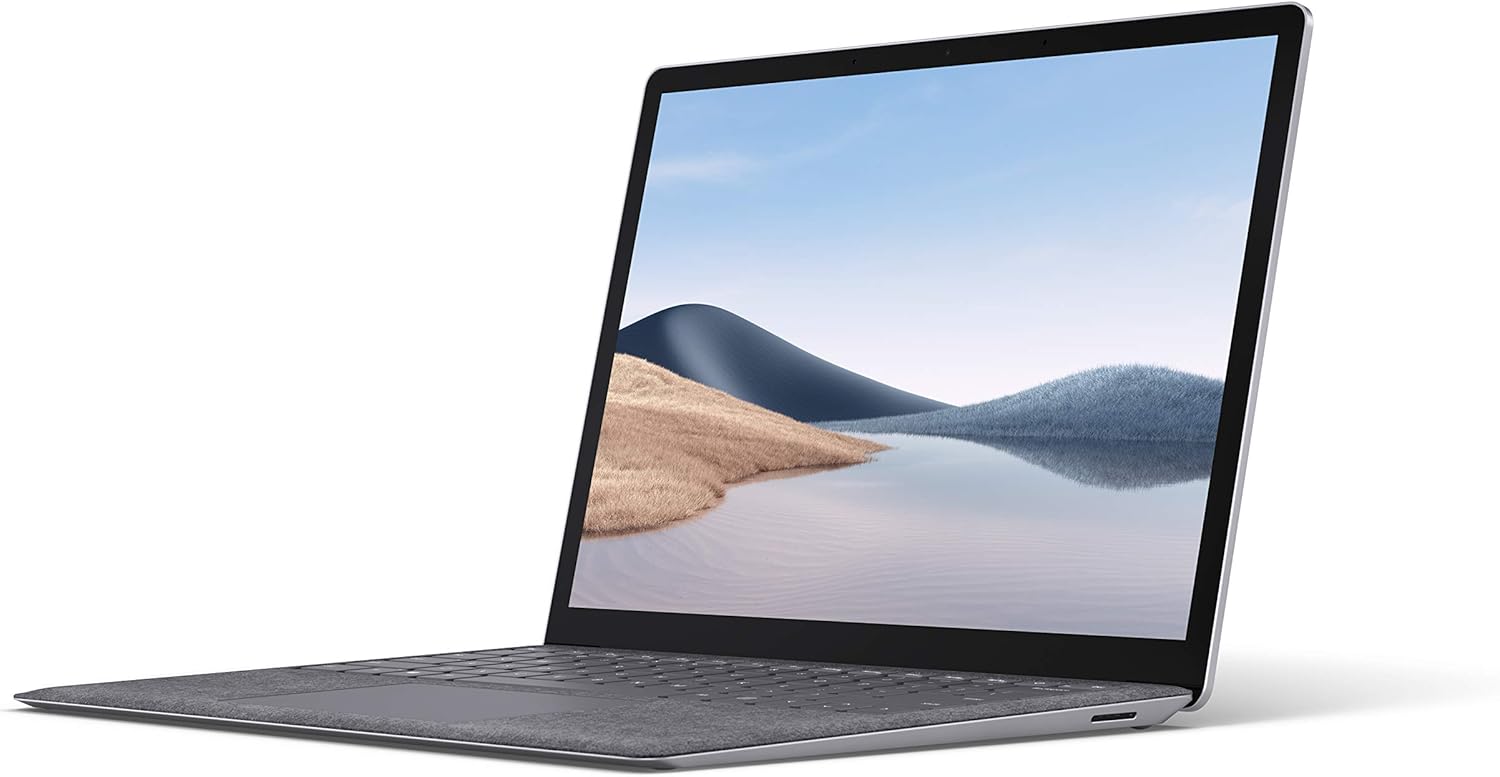
Microsoft Surface Laptop 4 – Versatile for Remote Work
Essential Accessories for Enhanced Productivity
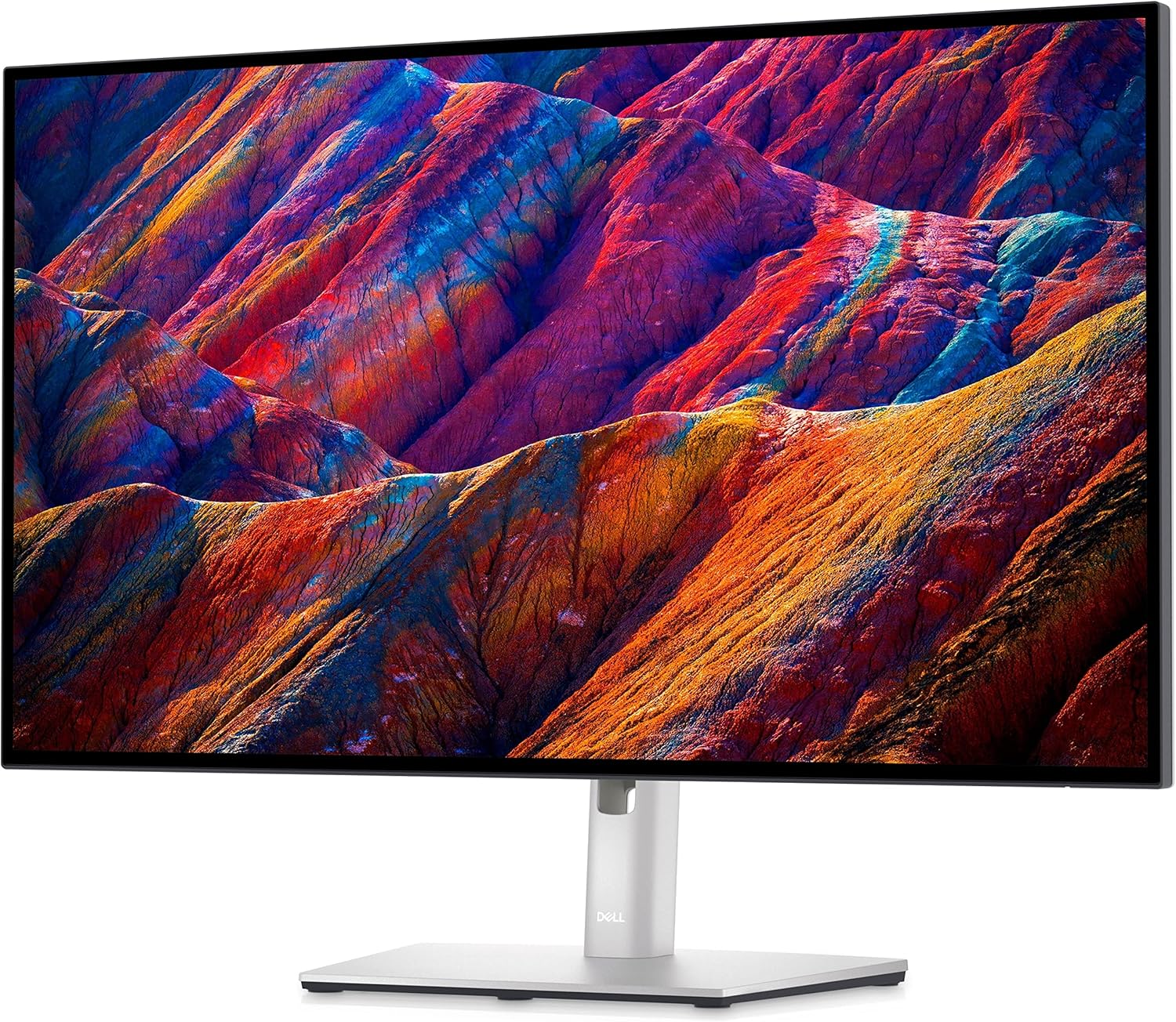
External Monitor (Dell UltraSharp 27) for Multi-Window Workflow
Mechanical Keyboard for Comfortable Typing

Wireless Mouse (Logitech MX Master 3)

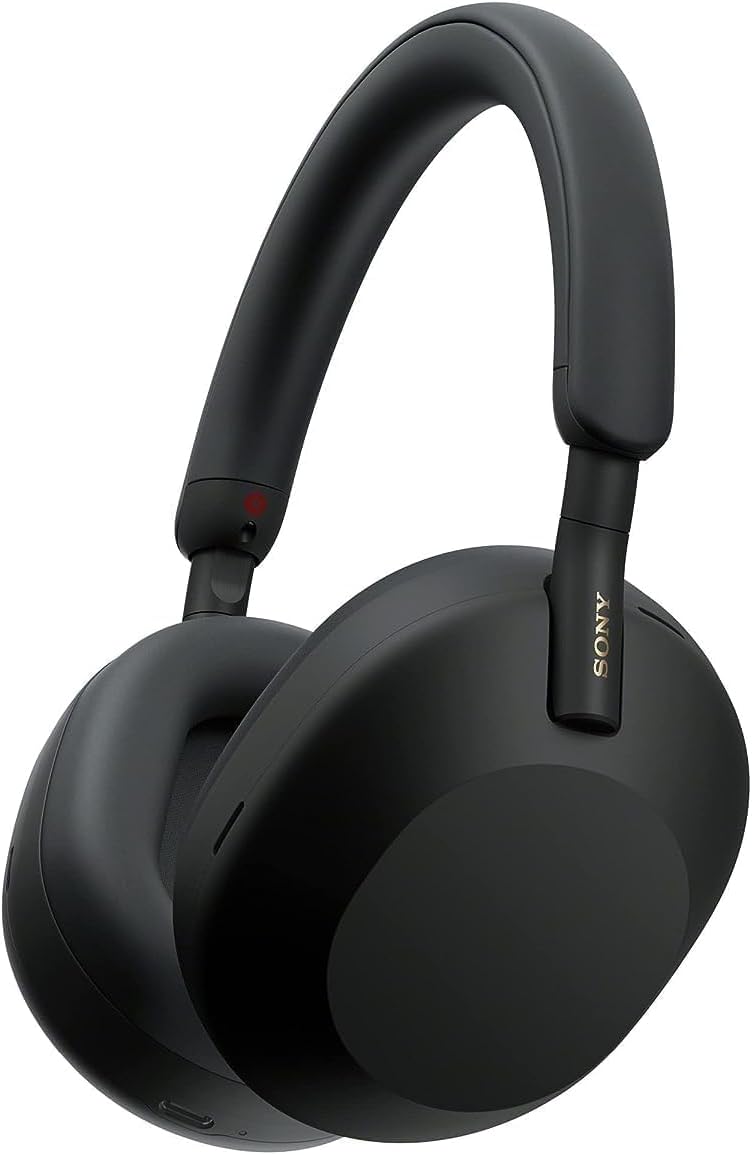
Noise-Canceling Headphones (Sony WH-1000XM5)
FAQs About the Notion App
Q: Is Notion free to use?
A: Yes, Notion offers a generous free tier with optional paid plans for advanced features and larger teams.
Q: Can Notion replace traditional project management tools?
A: Many companies use Notion to replace or complement specialized tools thanks to its customizable workflows.
Q: Is Notion secure for enterprise use?
A: Notion employs strong security protocols, including data encryption and compliance with privacy standards suitable for organizations.
Conclusion: Why the Notion App Is a Must-Have Productivity Tool in 2025
The Notion app’s evolution from a simple note organizer to an indispensable productivity platform shows the power of innovative design and user-first thinking. Its modular, Lego-inspired approach enables users to build workflows as unique as their needs.
With over 100 million users and a $10 billion valuation, Notion remains the market leader in flexibility, collaboration, and seamless integration. For anyone looking to boost productivity and streamline teamwork in 2025, the Notion app is an essential tool.
External References
- U.S. Remote Work Statistics: Pew Research Center
- Global Productivity Tool Market Data: Statista
- Information on API Use in Enterprises: U.S. Government Digital Service
Related News:
- 24/7 Social Media Monitoring: Inside the U.S. Government’s Always-On Surveillance Program
- WiFi 8: The Stunning Reason Guide to How It Will Dominate by 2028
- How AI Tempts People to Commit Suicide: 5 Shocking Findings That Expose Critical Risks