

Table of Contents
Introduction: Why the Logitech K980 Matters
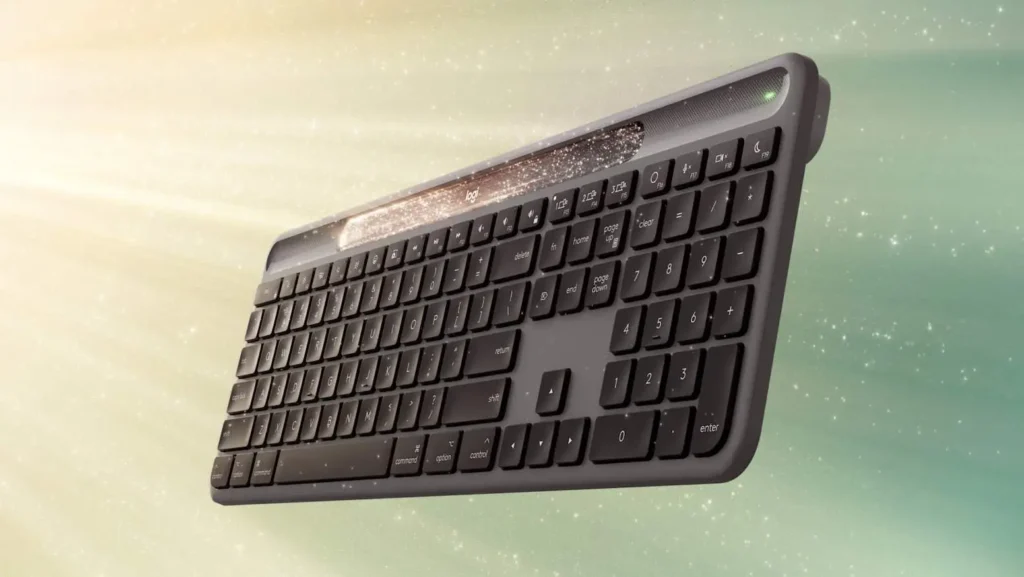
The Logitech K980 is not just another wireless keyboard. It’s part of a new wave of smart peripherals designed to solve one of the most annoying problems for professionals, gamers, and everyday users alike: battery anxiety.
We’ve all been there—you’re in the middle of a Zoom call, a coding session, or late-night gaming, and suddenly, your keyboard dies. Hunting for batteries or waiting for a charge is a productivity killer. Logitech’s solution? The K980 Signature Slim, a solar-powered wireless keyboard that promises months of use without ever plugging it in.
But does it live up to the hype? In this review, we’ll break down 7 powerful reasons why the Logitech K980 might just be the best keyboard of 2025, plus some trade-offs you should know before buying.
🌞 1. Solar Charging: Endless Power Without Cables
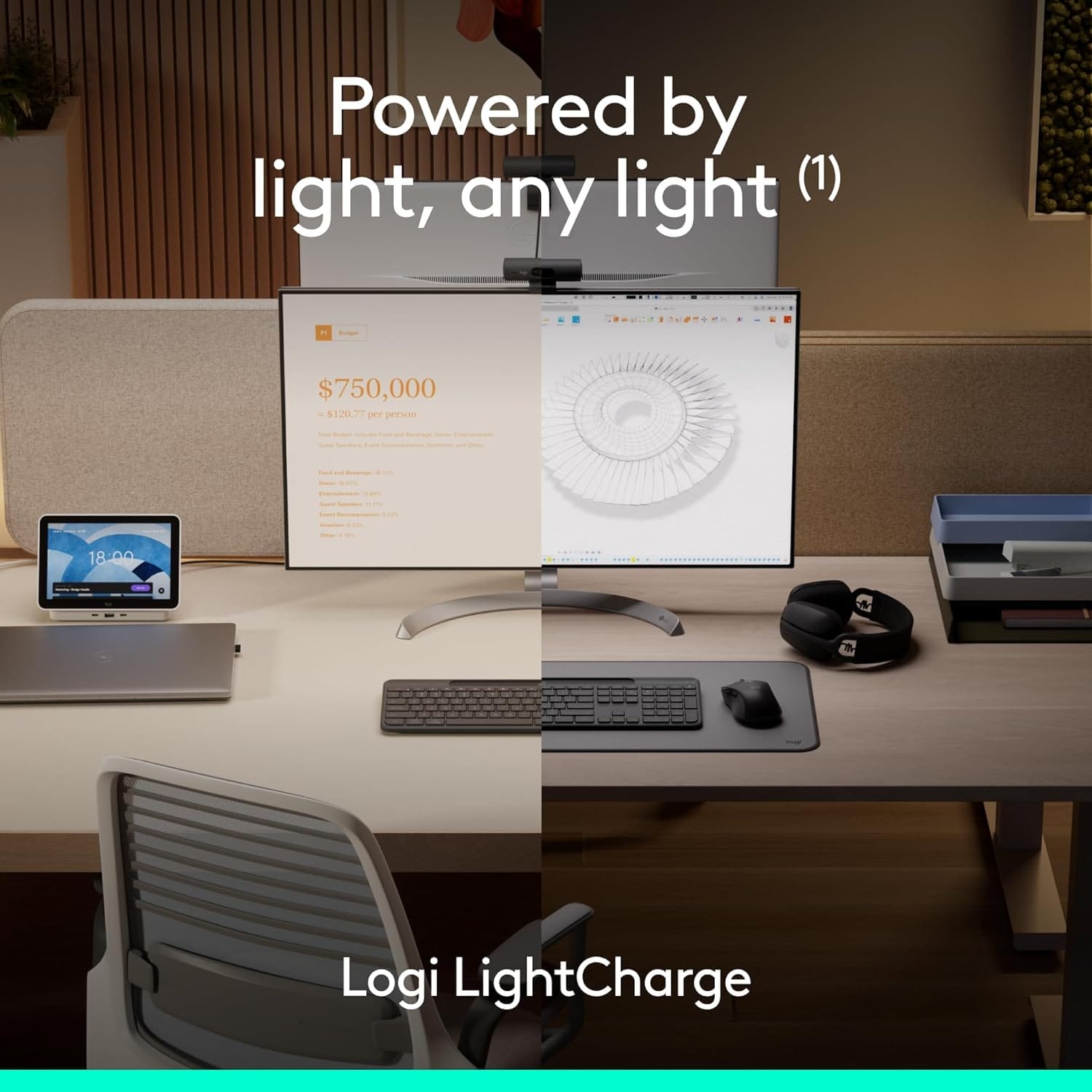
The standout feature of the Logitech K980 is its built-in Logi Light Charge solar panel. Running across the top of the keyboard, this discreet solar strip captures natural and artificial light, converting it into battery power.
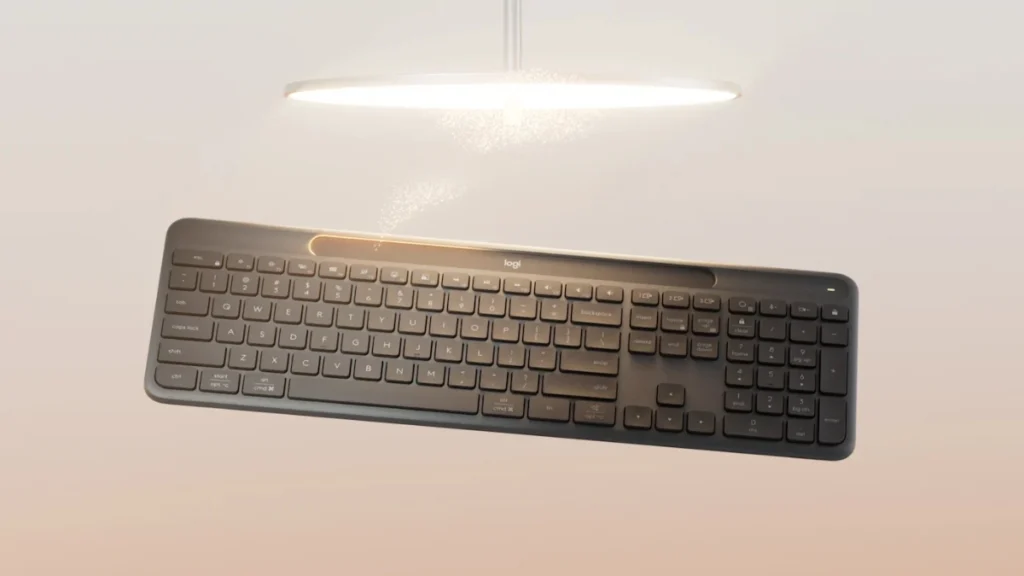
- Battery life in darkness: Up to 4 months on a full charge, even in complete darkness.
- Recharge time: Just 8 hours of daylight can fully recharge it.
- Design bonus: The solar panel doubles as a stylish groove that can also hold a pen (though covering it blocks charging).
Bottom line: Unless you’re typing in a pitch-black basement for months, you’ll never worry about charging this keyboard.
🔋 2. Long Battery Life Even Without Solar

Many wireless keyboards today already boast long battery lives. But the K980 Signature Slim takes things further by combining:
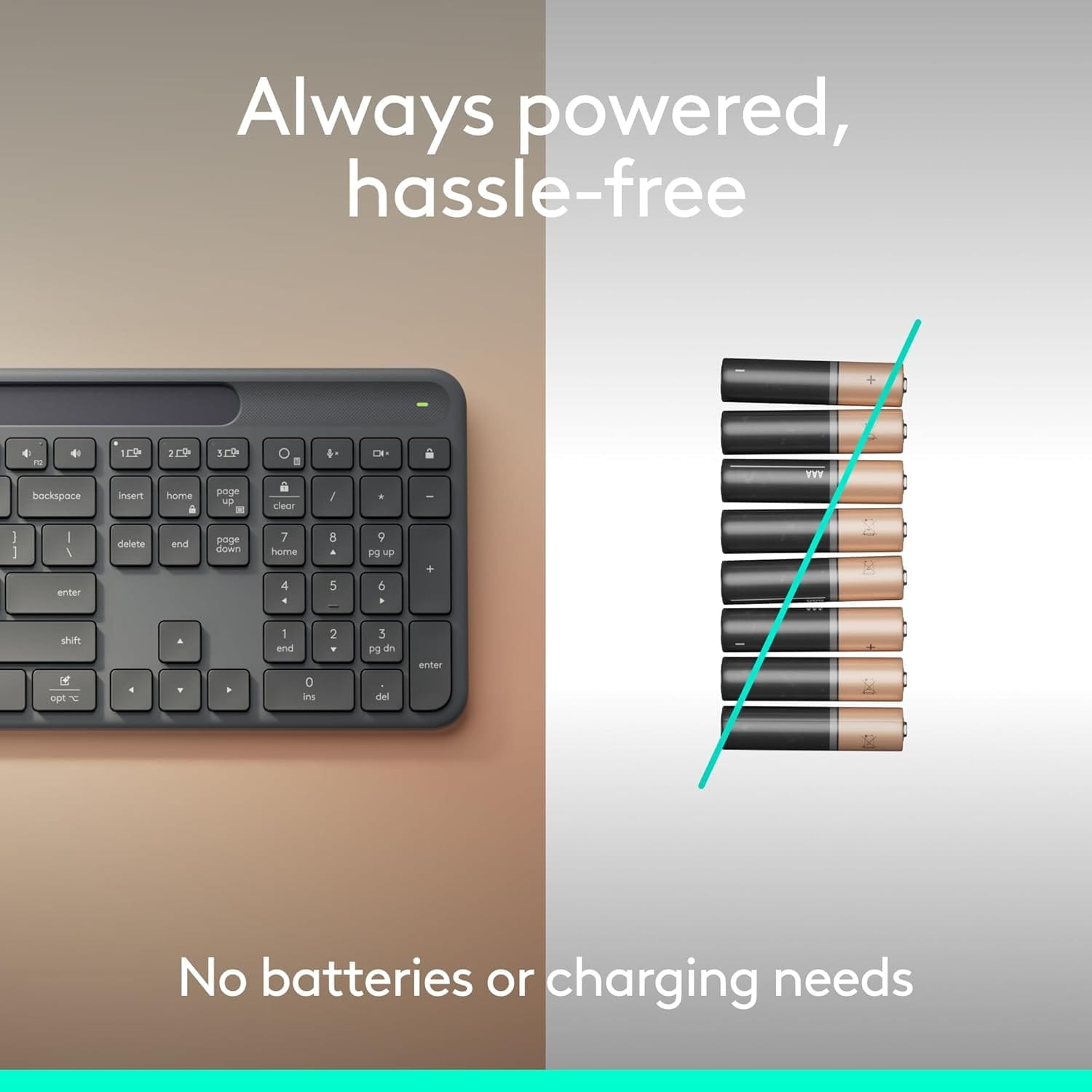
- A rechargeable internal battery (instead of disposable AAs).
- Solar technology that constantly tops up the charge.
This makes it an excellent eco-friendly choice, cutting down on battery waste while delivering near-unlimited uptime.
Compare this to Logitech’s older K750 solar keyboard, which required a USB dongle and had less efficient solar charging. The K980 fixes those pain points while adding Bluetooth support.
🎨 3. Sleek Signature Slim Design
Logitech placed the K980 within its Signature Slim line, which emphasizes minimalist, modern, and professional aesthetics.
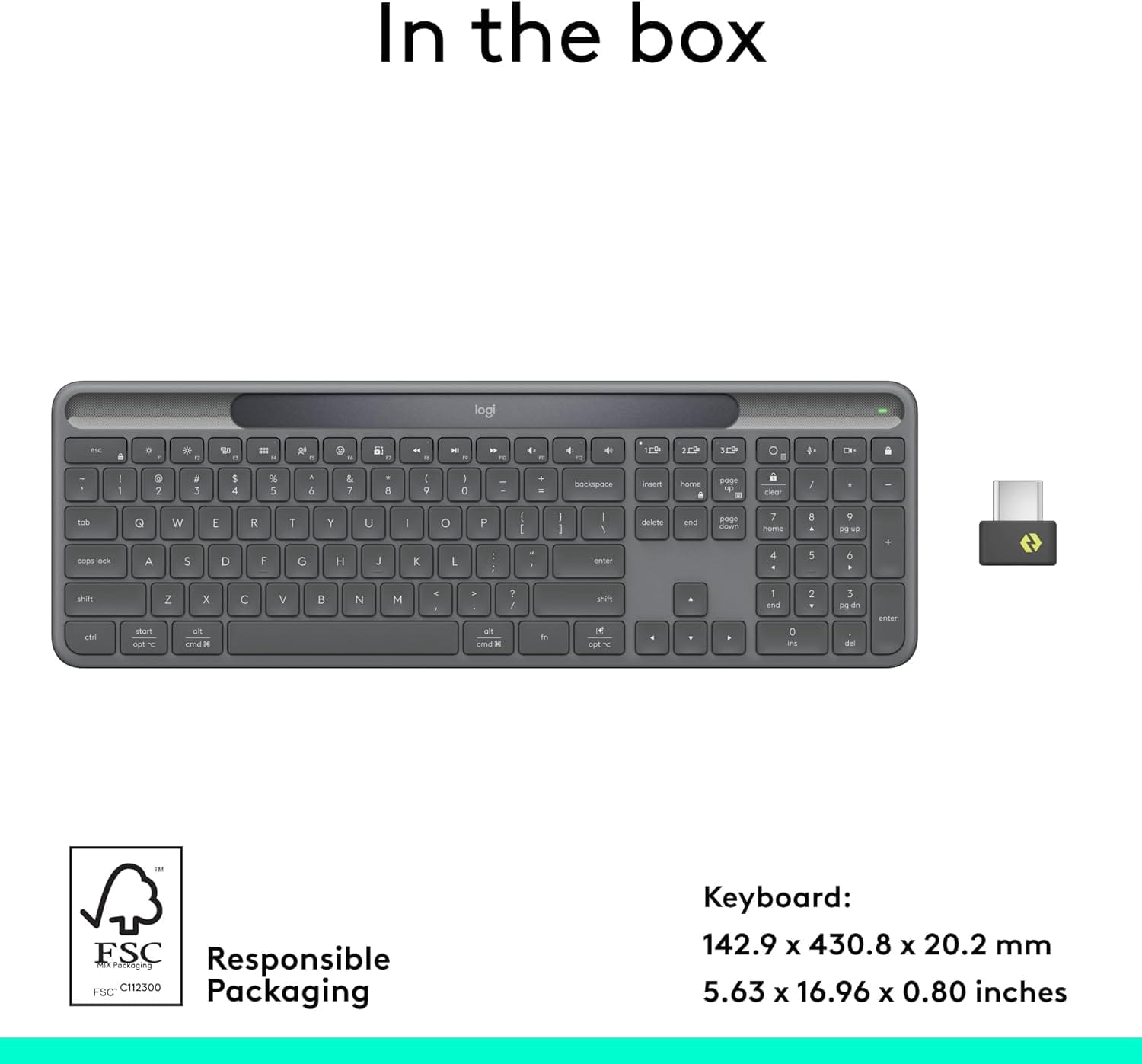
- Form factor: Full-size keyboard with number pad.
- Profile: Thin and lightweight—ideal for portable setups.
- Ergonomics: Low-profile keys for quieter, smoother typing.
Unlike clunky gaming keyboards, the Logitech K980 is built for productivity and everyday use—perfect for home offices, classrooms, and professional environments.
🔗 4. Flexible Connectivity: Bluetooth + USB Dongle
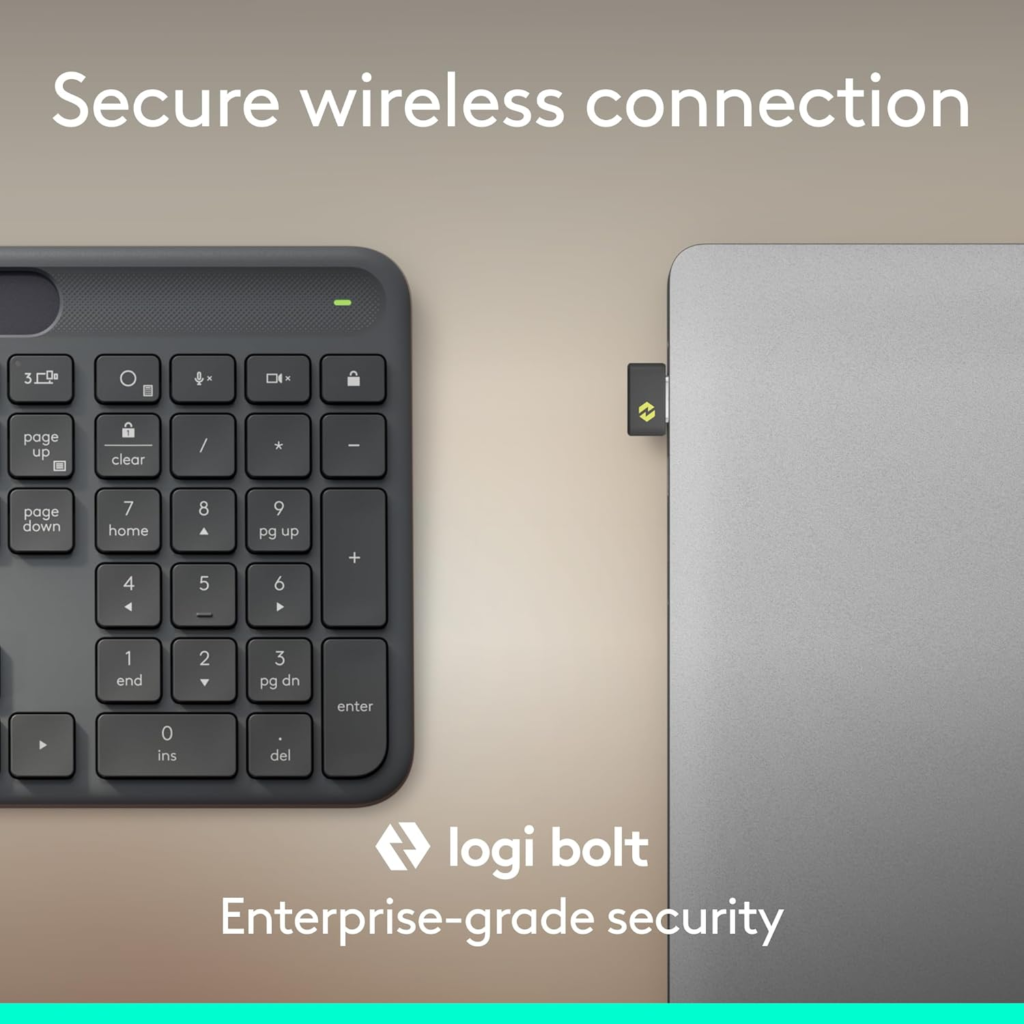
One of the biggest upgrades from the older K750 solar keyboard is connectivity flexibility.
- Works via Bluetooth on Windows, macOS, iPadOS, Linux, and even some smart TVs.
- Can also connect with Logitech’s Logi Bolt USB receiver (sold separately), which offers secure, enterprise-level wireless pairing.
This dual-mode connection makes the Logitech K980 versatile for both personal users and organizations that require standardized hardware management.
🖥️ 5. Real-World Use: Perfect for Offices & Institutions
The K980 isn’t just a consumer gadget. Logitech is clearly targeting institutions and businesses that:
- Need low-maintenance hardware with minimal IT intervention.
- Want to cut battery replacement costs across hundreds of devices.
- Care about sustainability and energy efficiency.
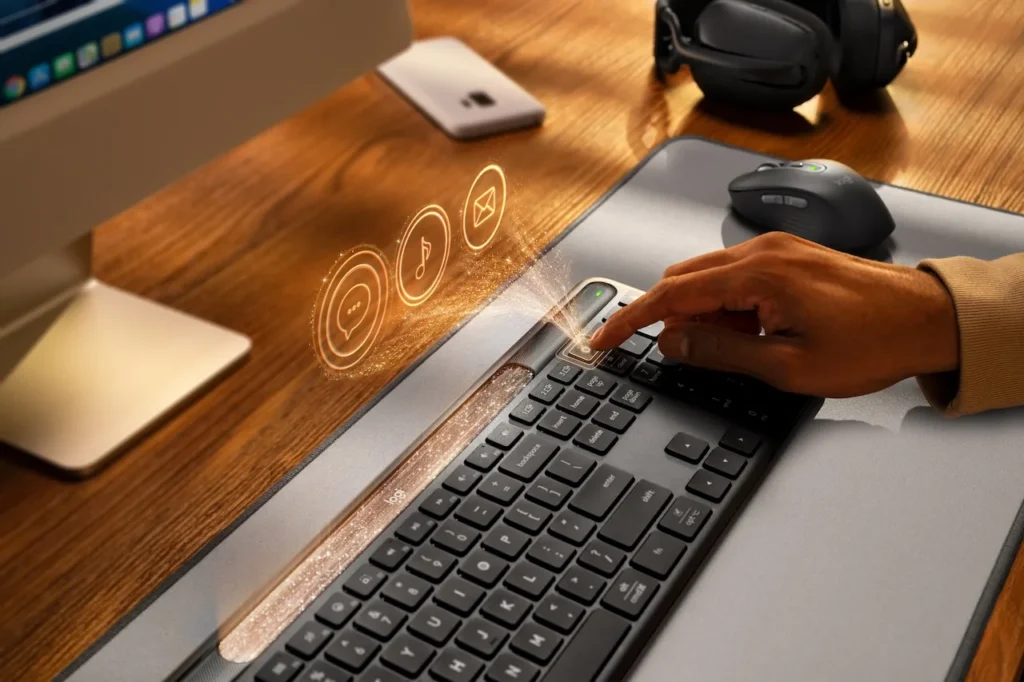
Schools, corporate offices, and government agencies could roll out the K980 at scale, saving time and money while also reducing electronic waste.
⚠️ 6. Limitations You Should Know
No product is perfect, and the Logitech K980 does have some drawbacks.
- ❌ No Caps Lock indicator – You’ll need to check on-screen.
- ❌ No physical battery gauge – You must use the Logitech Logi+ app.
- ❌ No backlight – If you type in the dark, this may be a dealbreaker.
Logitech has hinted at working with Microsoft and Apple to integrate battery status directly into operating systems, but for now, the Logi+ software is your only option.
Still, given the solar design, most users will rarely need to check the battery anyway.
💰 7. Price & Value: Worth the Investment?
The Logitech K980 Signature Slim is priced at:
- $99 (Windows edition)
- $109 (Mac edition)
Compared to premium mechanical keyboards that cost upwards of $150–$200, the K980 offers impressive value, especially given its solar technology and eco-friendly appeal.
Yes, you lose extras like RGB lighting or mechanical switches. But if you prioritize longevity, convenience, and sustainability, this is one of the smartest investments in 2025.
👉 Check Logitech K980 availability on Amazon

📊 Comparison: Logitech K980 vs. Logitech K750 vs. Traditional Wireless Keyboards
| Feature | Logitech K980 | Logitech K750 | Typical Wireless Keyboard |
|---|---|---|---|
| Power Source | Solar + Rechargeable Battery | Solar + Replaceable Battery | AA/AAA Batteries |
| Connectivity | Bluetooth + USB dongle | USB dongle only | Bluetooth/USB |
| Battery Life | 4 months in darkness | 2–3 months | 6–12 months (manual charge) |
| Price | $99–$109 | ~$79 | $50–$120 |
| Eco-Friendly | ✅ Yes | ✅ Yes | ❌ No |
🛠️ Setup & Everyday Experience
Setting up the Logitech K980 is quick and simple:
- Turn on the keyboard – It auto-pairs in Bluetooth mode.
- Install Logi+ app – Optional, but gives you battery info and customization.
- Pair multiple devices – Switch between PC, Mac, and tablet with ease.
Typing experience:
- Keys are soft yet responsive.
- Noise level is low, making it office-friendly.
- Long typing sessions feel comfortable thanks to the slim profile.
🌍 Sustainability Angle: Why Solar Tech Matters
According to Statista, over 1 billion wireless keyboards are in use worldwide. Most rely on disposable AA or AAA batteries, creating massive environmental waste.
The Logitech K980, by using renewable solar energy, represents a step toward sustainable consumer electronics. Logitech has also pledged to make its packaging 100% recyclable by 2026.
FAQs About the Logitech K980 ❓
Q: How long does the Logitech K980 battery last?
A: Up to 4 months in complete darkness and virtually forever with normal light exposure.
Q: Can I use the Logitech K980 with both Mac and Windows?
A: Yes, Logitech sells editions optimized for each OS.
Q: Is the Logitech K980 good for gaming?
A: It’s designed for productivity, not competitive gaming. Gamers may prefer Logitech’s mechanical G-series keyboards.
Q: Does it work without the Logi+ app?
A: Yes, but you’ll need the app to check battery levels.


I love how the article casually throws in Up to 4 months in darkness like its nothing! Who even thinks about typing in a pitch-black basement? And no backlight? Seriously, Logitech, are we still in the Stone Age? But the solar part is genius, even if its just a fancy pen holder most of the time. Still, if youre tired of battery anxiety, it might just be worth the cash.
Haha, you’ve nailed the exact love-hate relationship so many of us have with this keyboard! 😄
“Up to 4 months in darkness” does sound like Logitech prepared for a very specific apocalypse scenario—or maybe just for those late-night coding sessions when even the lights give up.
And you’re spot on: no backlight in 2024 does feel a bit like bringing a typewriter to a spaceship launch 🚀⌨️… but then again, that solar panel really is a small stroke of genius for ending battery anxiety forever.
So yeah—it’s quirky, it’s not perfect, but for anyone tired of charging cables and AA hunts, it’s kinda… weirdly perfect?
Thanks for the laugh and the honest take! Maybe one day Logitech will surprise us with a solar-powered, backlit, and RGB version. We can dream!
Haha, the K980 sounds less like a keyboard and more like a high-tech solar-powered pet rock for office drones! Who needs RGB when youve got a glowing charging strip that doubles as a pen holder? Up to 4 months in darkness! Yeah, great if youre a hermit or just really slow at typing. Still, beats replacing a billion AAs, I guess. And Bluetooth + USB – because why not have *both* options, just in case your tech preferences change as often as your coffee order? Logitech really hit the nail on the head… or should I say, the solar panel? 🔩🌞🖥️
You’re right — it’s not the flashiest keyboard out there, but sometimes it’s the little things: not having to hunt for AAs every few weeks, the flexibility of Bluetooth + USB (for those of us who can’t decide before the second cup of coffee ☕), and yeah, that subtle glowing strip that says, “I charge myself… with light!” 🌞
It may not be for the RGB warriors, but for anyone tired of battery anxiety and cable clutter, it’s a quiet little win. Thanks for the laugh and the spot-on commentary!
Xin chào, tôi muốn biết giá của bạn.
Để biết thông tin về giá, vui lòng liên hệ với chúng tôi qua email này:
info@wiztechno.com
Cảm ơn bạn đã tham gia.
Hey, I just stumbled onto your site… are you always this good at catching attention, or did you make it just for me? Write to me on this website — rb.gy/ydlgvk?Gaw — my username is the same, I’ll be waiting.
Thank you for your message and for your interest in connecting with us!
We always appreciate hearing from our readers.
For official communication with our blog team, please feel free to reach us at:
info@wiztechno.com
This ensures your message reaches the right people, and we’ll be happy to get back to you as soon as possible.
Thanks again for visiting the site, and we look forward to hearing from you through our official channel!
Warm regards,
The Wiz Techno Team