
Table of Contents
Introduction: Kaspersky Warning on Android Apps
Kaspersky warning reports are once again in the spotlight, and this time, the cybersecurity giant has revealed a disturbing truth: Android smartphone users are more vulnerable than ever in 2025. A recent Kaspersky report highlighted a 29% increase in cyberattacks against Android devices in the first half of 2025 compared to 2024, with some attacks showing nearly 50% growth compared to late 2024.
This isn’t just a statistic. It’s a wake-up call for millions of Android users in the U.S. and worldwide who unknowingly download apps that may steal their personal data, banking information, or even hijack their devices.
But what are these dangerous apps? How do they work? And most importantly, how can you protect yourself? Let’s dive deep.
The Alarming Growth of Android Cyber Threats
According to Kaspersky Lab’s cybersecurity experts, Android devices have seen a surge in new forms of malware, Trojan horses, and fake apps. Some of the most dangerous include:
- SparkCat and SparkKitty Malware – designed to infiltrate devices and steal private data.
- Triada Trojan – an advanced malware that embeds itself deep into Android firmware.
- Fake VPN Apps – pretending to secure your internet connection but instead intercepting one-time login codes and sending them to hackers.
- Adult Content Apps – secretly launching DDoS (Distributed Denial-of-Service) attacks using infected smartphones.
These threats prove one fact: the modern Android ecosystem is being targeted at a sophisticated and industrial scale.
📊 According to Statista, over 3.9 billion people use Android smartphones worldwide (2025). This makes Android the single biggest target for cybercriminals.
How Fake Apps Steal Your Data
The Kaspersky warning shows that attackers are no longer limited to shady websites. Many of these malicious apps are disguised as legitimate tools, including:
- Financial reward apps – tricking users into believing they can earn money by completing tasks.
- Fake banking apps – mimicking real financial institutions to steal login details.
- Pre-installed malware – bundled into Android devices during manufacturing.
One of the most shocking discoveries is that some malware survives even after a factory reset, meaning users cannot remove it without professional tools.
In the U.S., the FBI’s Internet Crime Complaint Center (IC3) has repeatedly warned that mobile banking Trojans and fake financial apps are costing Americans hundreds of millions of dollars every year.
The Rise of Pre-Installed Malware
One of the darkest findings in the Kaspersky warning is the persistence of malware like Triada and Dwphon, which come pre-installed at the factory level on certain Android devices.
- These Trojans are hidden in the firmware.
- They can collect personal data, banking credentials, and even location information.
- They remain active even if you reset your phone.
Imagine buying a brand-new Android device in 2025, only to discover that it was compromised before you even turned it on. This reality makes cybersecurity awareness more important than ever.
Banking Trojans: The Silent Thieves
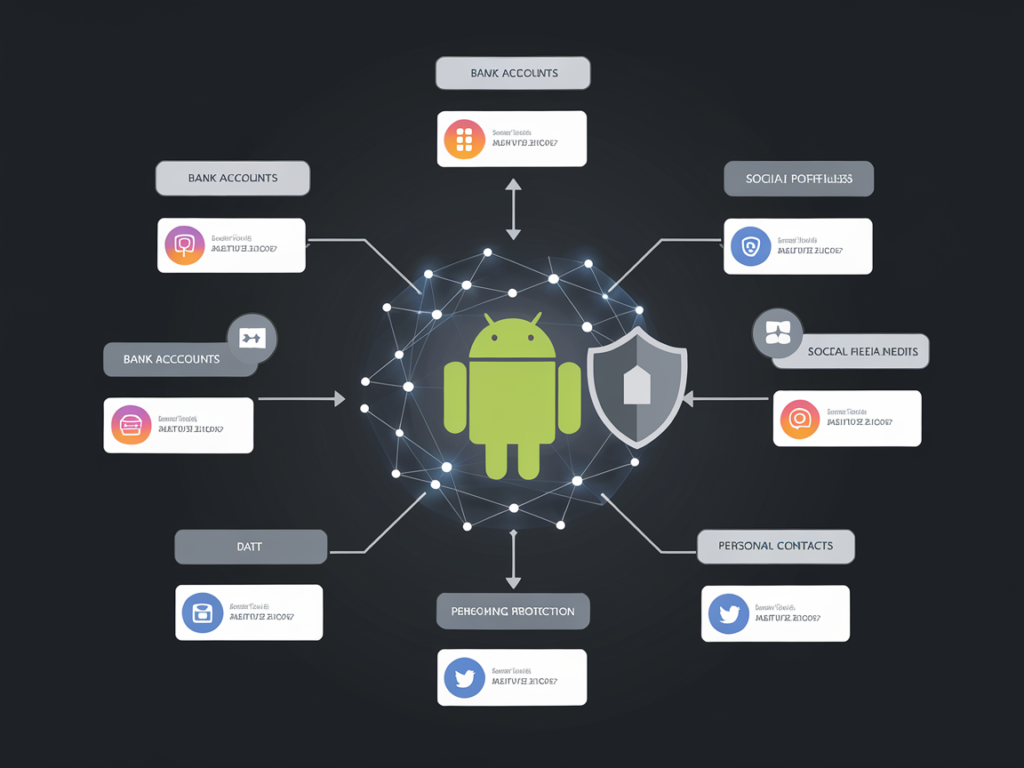
Another terrifying part of the Kaspersky warning is the exponential rise in banking Trojans.
📈 Compared to the first half of 2024, Kaspersky recorded four times more banking malware attacks in 2025. These malicious apps work silently by:
- Overlaying fake login screens on top of your real banking apps.
- Stealing credentials when you type them in.
- Sending stolen passwords and OTPs (one-time passcodes) to criminals via Telegram bots.
For U.S. users who rely on apps like Chase, Bank of America, or PayPal, this type of attack is extremely dangerous.
Why Google Play Protect Isn’t Enough
You might assume that downloading apps only from the Google Play Store keeps you safe. Unfortunately, the Kaspersky warning proves otherwise.
- Malicious apps still slip past Google’s security checks.
- Even Apple’s App Store has reported malware incidents.
- Hackers constantly find ways to bypass developer verification systems.
Google’s new developer identity verification initiative aims to reduce the problem, but Kaspersky experts argue that it’s not a “magic bullet” solution.
Real-World Example: Fake VPN Apps in 2025
One of the most shocking discoveries this year involves fake VPN applications. Instead of securing your connection, they:
- Monitor your notifications.
- Capture two-factor authentication (2FA) codes.
- Forward them to hackers via Telegram.
This means even if you use strong passwords, hackers can bypass them if your VPN app itself is compromised.
Practical Security Measures You Must Take
The good news? While the Kaspersky warning is alarming, you can take steps to protect yourself. Experts recommend:
- Download only from official stores (Google Play, Apple App Store).
- Check app reviews and ratings carefully before installing.
- Use official links from verified company websites.
- Install a trusted mobile security solution like Kaspersky Premium or Norton Mobile Security.
- Regularly update your Android system and critical apps.
- Always review app permissions before granting access.
- Avoid sideloading APKs from third-party sites.
💡 Pro Tip: If an app requests dangerous permissions like SMS access, contacts, or device administration — and it doesn’t make sense — uninstall it immediately.
Comparison: Kaspersky vs. Other Security Solutions
When it comes to Android protection, Kaspersky isn’t alone. Here’s how it compares:
- Kaspersky Premium – Strong malware detection, anti-phishing, and real-time threat monitoring.
- Google Play Protect – Basic detection, but often bypassed by advanced Trojans.
- Norton Mobile Security – Excellent phishing protection, but heavier on system resources.
- McAfee Mobile Security – Good for anti-theft features, but less effective against new malware strains.
👉 For U.S. Android users in 2025, a layered defense approach (built-in protection + third-party security app + safe browsing habits) is the safest option.
Why the U.S. Should Pay Attention
According to Pew Research, over 85% of Americans own a smartphone, and Android accounts for nearly 45% of the market share. That means millions of U.S. users are exposed to these risks every day.
The Kaspersky warning is not just a global issue. It directly impacts American households, where sensitive data like online banking, telehealth apps, and smart home controls all run through smartphones.
Frequently Asked Questions (FAQ)
1. What is the Kaspersky warning about?
It’s a cybersecurity report showing a massive increase in Android malware and fake apps stealing user data in 2025.
2. Are apps from the Google Play Store safe?
Not always. While safer than third-party sources, some malicious apps still bypass the Play Store’s security checks.
3. What are the most dangerous apps in 2025?
- Fake VPN apps
- Banking Trojans
- Financial reward scams
- Pre-installed malware like Triada
4. How can I protect my Android device?
- Install a reliable security app.
- Only download from official stores.
- Keep your system updated.
- Review app permissions regularly.
5. Does this only affect Android users outside the U.S.?
No. American users are equally at risk, especially with the rise of banking Trojans targeting U.S. financial institutions.
Final Thoughts: Don’t Ignore the Kaspersky Warning
The Kaspersky warning is clear: Android devices are under siege in 2025. From fake VPN apps intercepting OTP codes to banking Trojans stealing millions of dollars, the threats are growing fast.
But you’re not powerless. By adopting safe habits, utilizing trusted security apps, and regularly updating your device, you can effectively protect both your device and your data.
In the end, cybersecurity isn’t just about technology—it’s about staying informed.
Greetings from Idaho! I’m bored to death at work so I decided to browse your site on my iphone during lunch break. I really like the info you present here and can’t wait to take a look when I get home. I’m amazed at how quick your blog loaded on my cell phone .. I’m not even using WIFI, just 3G .. Anyways, excellent blog!
Great V I should certainly pronounce, impressed with your site. I had no trouble navigating through all the tabs and related info ended up being truly simple to do to access. I recently found what I hoped for before you know it at all. Reasonably unusual. Is likely to appreciate it for those who add forums or anything, web site theme . a tones way for your client to communicate. Excellent task..
I am very happy to read this. This is the kind of manual that needs to be given and not the random misinformation that is at the other blogs. Appreciate your sharing this best doc.
Appreciating the persistence you put into your site and in depth information you provide. It’s good to come across a blog every once in a while that isn’t the same out of date rehashed information. Great read! I’ve saved your site and I’m including your RSS feeds to my Google account.