
IOS 26: Shocking Secrets Apple Didn’t Reveal About Its Hidden Features
When Apple announced IOS 26 at its annual Worldwide Developers Conference (WWDC 2025), most of the spotlight went to flashy updates like the futuristic Liquid Glass interface. But beneath the polished presentations, Apple quietly packed iOS 26 with hidden features that could transform how iPhone owners use their devices every day.
In this in-depth guide, we’ll uncover five hidden gems inside IOS 26 that Apple didn’t showcase on stage. From the game-changing Adaptive Power Mode to new ways to use AirPlay in CarPlay, these features will surprise even the most loyal Apple fans.
Let’s dive in.
IOS 26’s “Secret Weapon”: Adaptive Power Mode
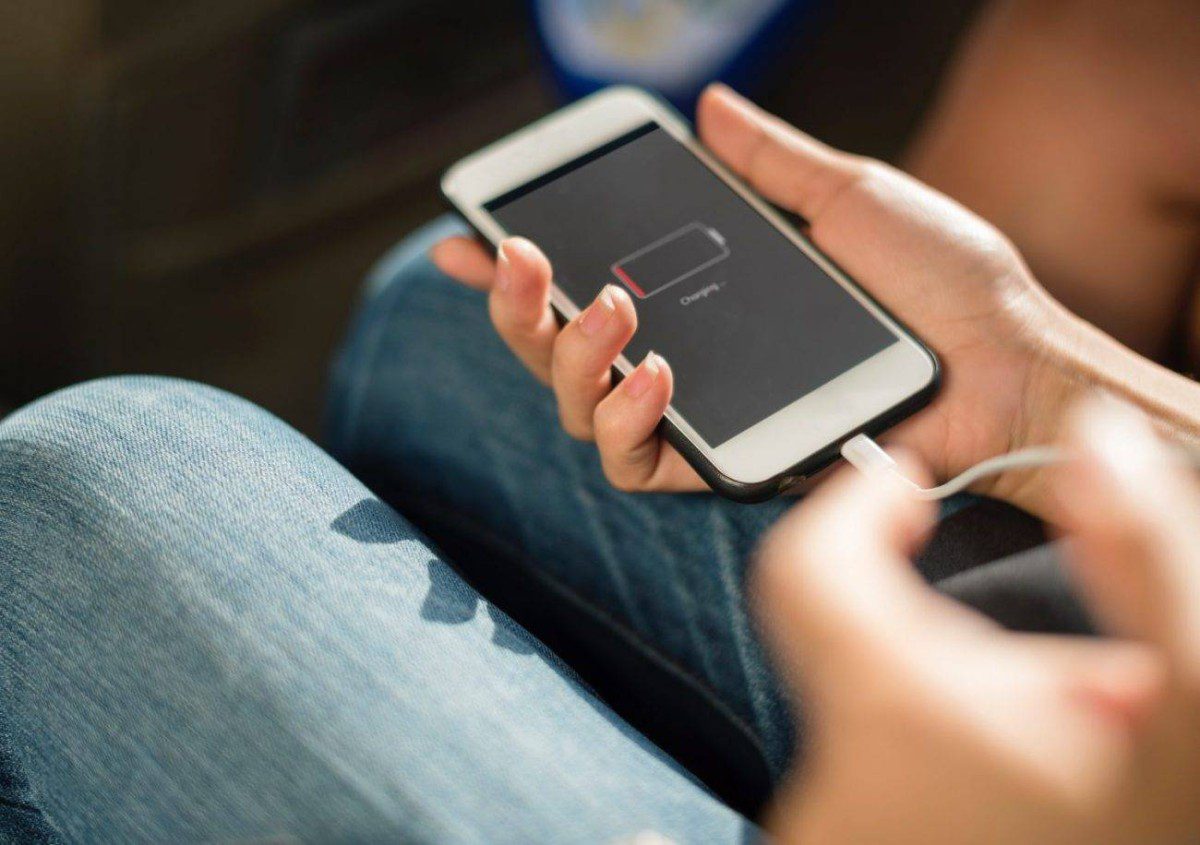
Battery life has always been a hot topic among iPhone users. With iOS 26, Apple introduces a new Adaptive Power Mode designed to dynamically optimize energy consumption based on your habits.
How It Works
Unlike Low Power Mode, which kicks in automatically when your battery dips below 20%, Adaptive Power Mode:
- Adjusts screen brightness intelligently depending on the time of day.
- Temporarily disables underused features (like background app refresh).
- Fine-tunes performance to balance power and speed.
Think of it as a personalized power assistant. If you tend to scroll late at night, the system reduces screen intensity without you even noticing.
Exclusive to Newer Models
This mode is only available for iPhone 15 Pro and newer models, thanks to the advanced A18 Bionic chip. Owners of older devices, unfortunately, won’t see the toggle in settings.
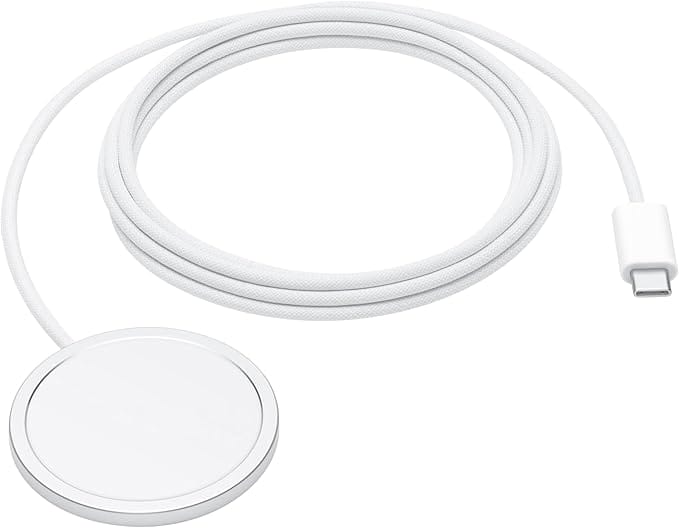
👉 Amazon Pick for Power Users: Apple MagSafe Charger — stay topped up faster and more efficiently.

AirPlay in CarPlay: IOS 26 Brings Streaming to Your Drive
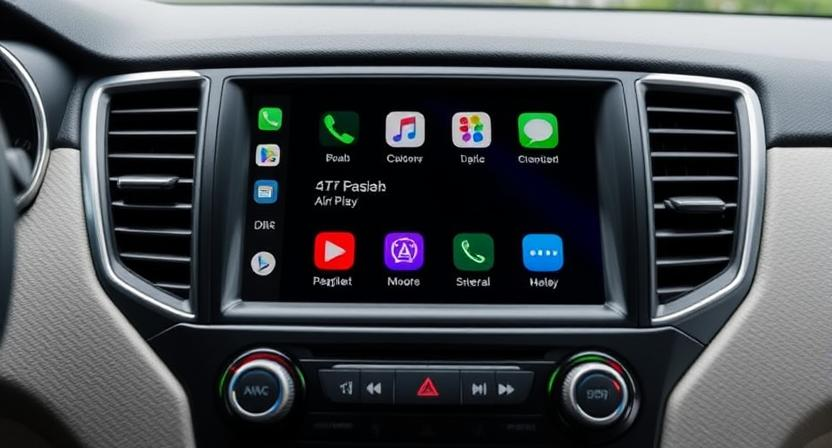
CarPlay is already one of Apple’s most beloved ecosystems. With IOS 26, Apple takes it further by allowing direct AirPlay streaming inside CarPlay systems.
What This Means for Drivers
- Stream videos directly from any iPhone in the car — no complicated pairing needed.
- Passengers can share their media without handing over a cable.
- More seamless integration between Apple devices and infotainment systems.
However, Apple clarifies that this feature depends on car manufacturers enabling support. So while it will roll out gradually, it marks a bold move toward the car as an Apple extension.
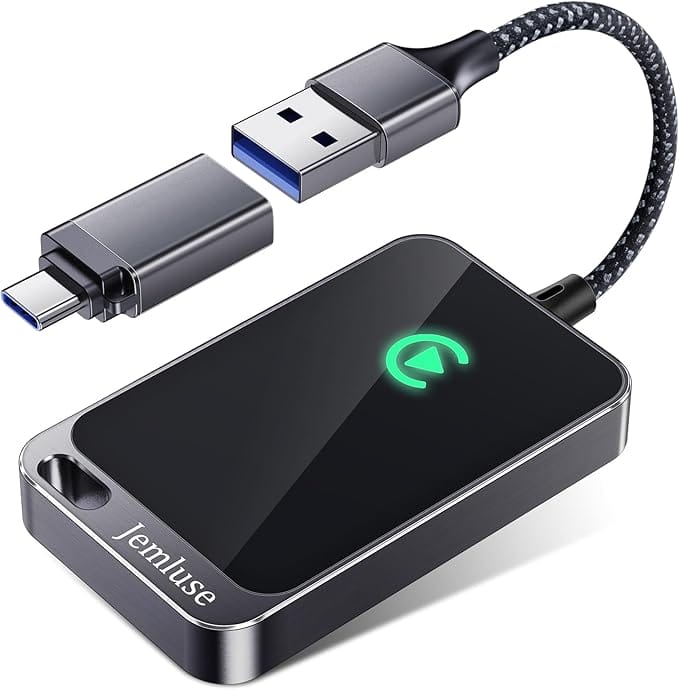
👉 Amazon Pick for Drivers: Apple CarPlay Wireless Adapter — future-proof your car with wireless CarPlay support.
AirPods Charging Alerts: Never Run Out of Juice Again
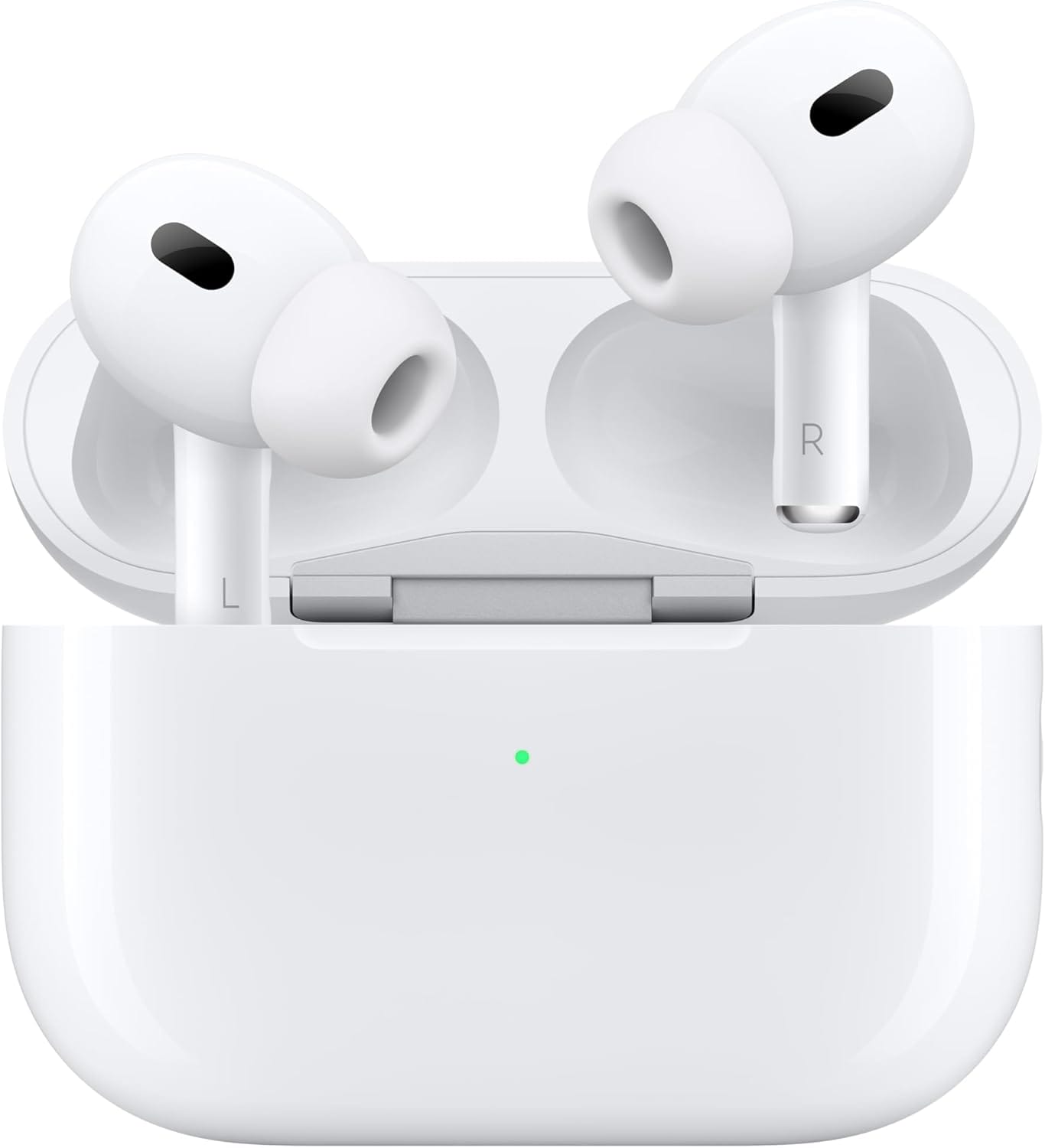
If you’ve ever been caught on a call when your AirPods died unexpectedly, this new charging alert system will feel like a lifesaver.
How It Works in IOS 26
- iPhone now displays real-time AirPods charge notifications.
- Alerts appear when your earbuds need charging — before you hit 0%.
- Visual cues explain whether AirPods are charging, full, or critically low.
This feature eliminates guesswork and ensures you’re never left without audio.
👉 Amazon Pick for Audiophiles: Apple AirPods Pro (2nd Gen) — with Adaptive Audio and extended battery life.
Custom Ringtones: Any Audio File, No Limits
For years, iPhone users complained about the frustrating limitations of custom ringtones. iOS 26 finally delivers freedom: you can now turn any audio file into a ringtone.
Easy Setup in iOS 26
- Open the Voice Memos app or Files app.
- Select an audio file.
- Tap Share > Use as Ringtone.
That’s it — no iTunes, no computer, no third-party apps.
This tiny feature reflects Apple’s shift toward user empowerment, giving iPhone owners more personalization options.
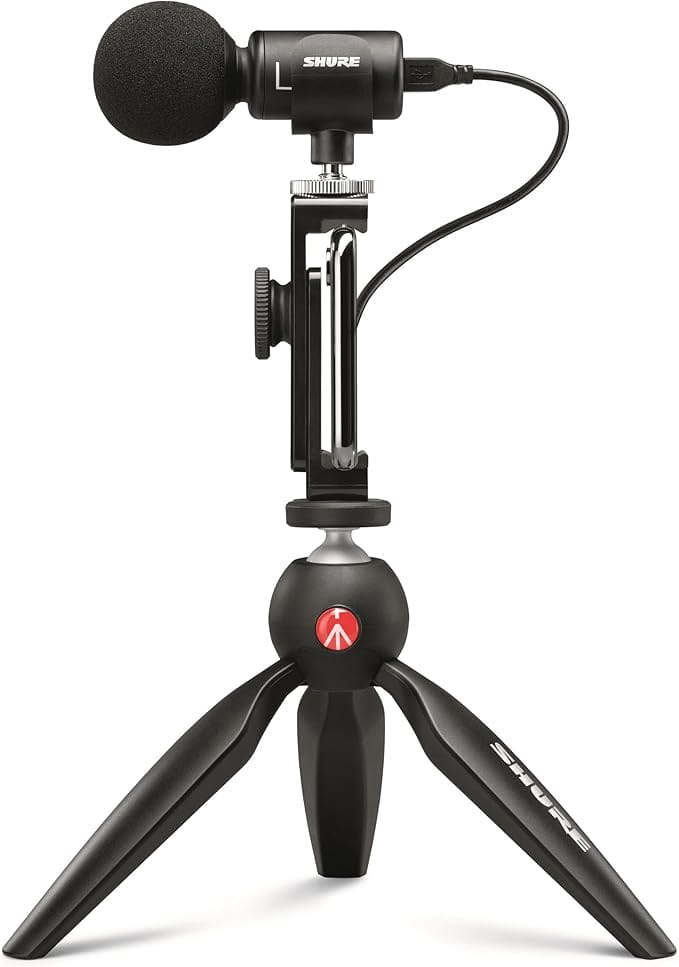
👉 Amazon Pick for Creators: Shure MV88 Portable iOS Microphone — record your own professional ringtones directly on iPhone.
Liquid Glass UI: More Than Just Looks
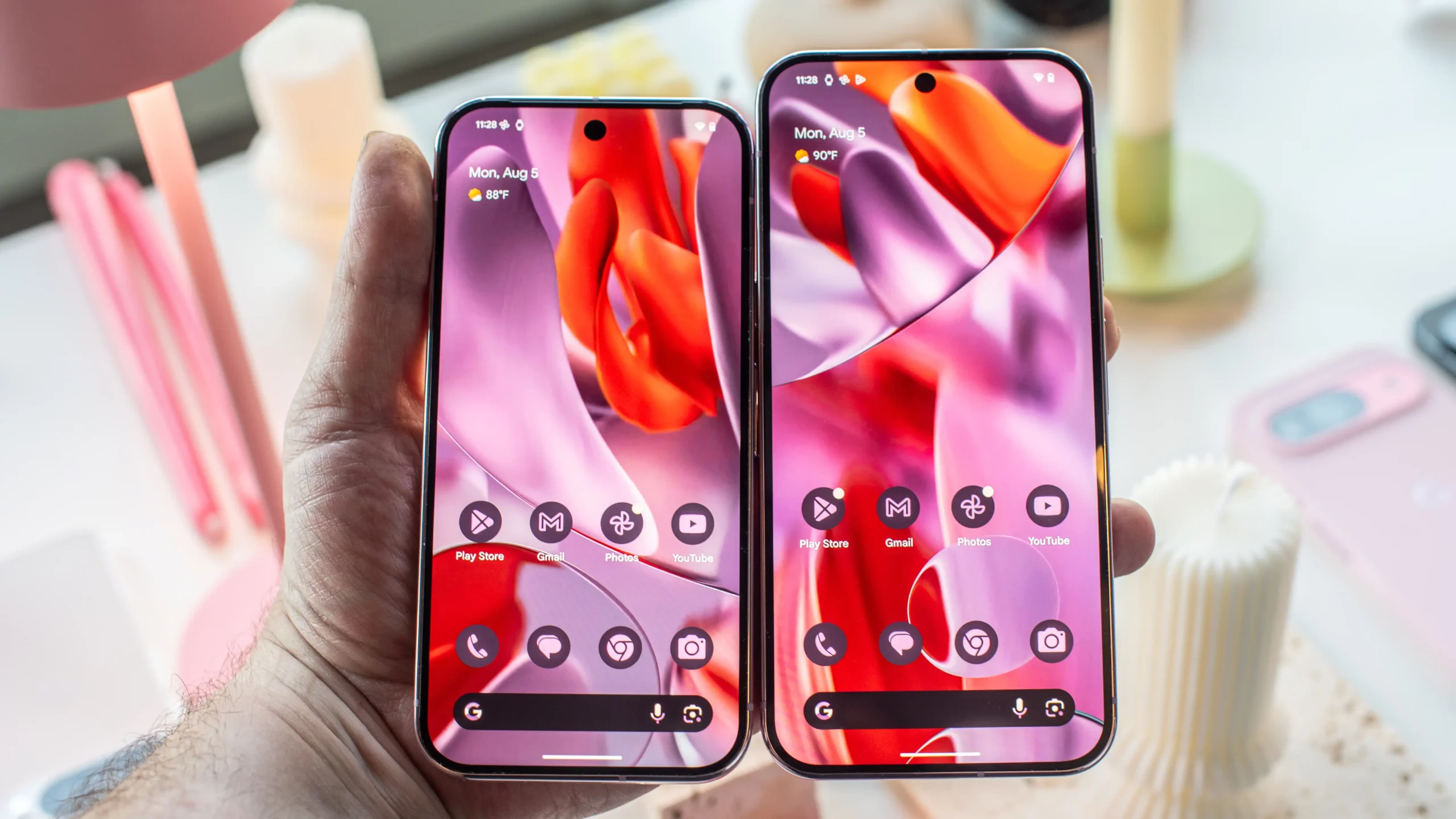
Apple hyped Liquid Glass, the new visual identity of iOS 26. However, many overlooked the fact that this interface isn’t just cosmetic — it also enhances functionality.

- Transparent layers help reduce eye strain.
- Animations are optimized for 120Hz ProMotion displays.
- Accessibility features make navigation smoother for low-vision users.
It’s the most dramatic UI shift since iOS 7 — and it’s here to stay.
How iOS 26 Compares to iOS 25
| Feature | iOS 25 | iOS 26 |
|---|---|---|
| Power Management | Low Power Mode only | Adaptive Power Mode + Low Power Mode |
| Car Integration | CarPlay media control | AirPlay streaming in CarPlay |
| Audio Experience | Basic AirPods battery status | Smart AirPods charging alerts |
| Customization | Ringtone via iTunes only | Direct audio file → Ringtone |
| UI Design | Flat design | Liquid Glass with dynamic layers |
This table shows how iOS 26 isn’t just incremental — it’s transformational.
Why Apple Didn’t Announce These Features on Stage
Apple often saves hidden features to surprise users during beta testing and public rollout. By not showcasing everything at WWDC, the company:
- Creates buzz in tech media and communities.
- Keeps flexibility in case features need to be tweaked.
- Builds a sense of discovery for early adopters.
It’s part of Apple’s marketing playbook, and it works.
Expert Reactions in the U.S.
- Tech analysts at Statista predict that over 75% of iPhone users in the U.S. will upgrade to iOS 26 within six months, citing new battery features as the top driver.
- Consumer Reports highlights how adaptive energy modes could extend device lifespans, reducing e-waste.
- Pew Research data shows that 90% of U.S. smartphone users value personalization — aligning with iOS 26’s ringtone flexibility.
Links of Wiz techno
- Related:
FAQs About IOS 26
Is Adaptive Power Mode automatic❓
No. Unlike Low Power Mode, Adaptive Power Mode must be manually activated in Settings > Battery > Adaptive Mode.
Can I use AirPlay in CarPlay in any car ❓
Not yet. Your vehicle must support it, and manufacturers need to enable the feature.
Do AirPods charging alerts work with all models❓
Yes — they’re supported on AirPods 2nd Gen, AirPods Pro, and AirPods Max.
How do I make a song my ringtone in iOS 26❓
Simply select the audio file from the Files app, tap Share, and choose Use as Ringtone.
Will older iPhones get all iOS 26 features❓
No. Some features, like Adaptive Power Mode, are exclusive to iPhone 15 Pro and newer.
Final Thoughts
IOS 26 isn’t just about flashy updates like Liquid Glass. The real magic lies in the hidden features that Apple quietly added: smarter battery management, richer CarPlay integration, more intelligent AirPods alerts, and enhanced personalization.
For iPhone users in the U.S., these updates make daily life smoother, more efficient, and more enjoyable. And with Apple’s focus on user-driven innovation, iOS 26 sets the stage for an even smarter iPhone experience in 2026 and beyond.
👉 Ready to unlock the full potential of iOS 26? Don’t forget to grab essential gear like the Apple MagSafe Charger, AirPods Pro 2nd Gen, and CarPlay Wireless Adapter to get the best out of your Apple ecosystem.

I love how this breakdown makes iOS 26 feel so personal! The Adaptive Power Mode and AirPods alerts are game-changers for daily use. Really appreciate the clear explanations and Amazon picks too!Free Nano Banana
Thank you for your wonderful feedback! We’re delighted to hear that the iOS 26 guide felt personal and practical for your daily routine — especially features like Adaptive Power Mode and AirPods alerts. It’s our goal to blend technical insights with real-life usability.
Great article! The insights on iOS 26’s hidden features like Adaptive Power Mode and AirPods alerts are super helpful. Really appreciate the practical tips for optimizing my iPhone experience.SunPerp Dex
Thank you so much for your kind words! We’re thrilled to hear that you found the iOS 26 tips helpful — especially features like Adaptive Power Mode and AirPods alerts. It’s our goal to make tech more accessible and practical for everyday use.