Introduction
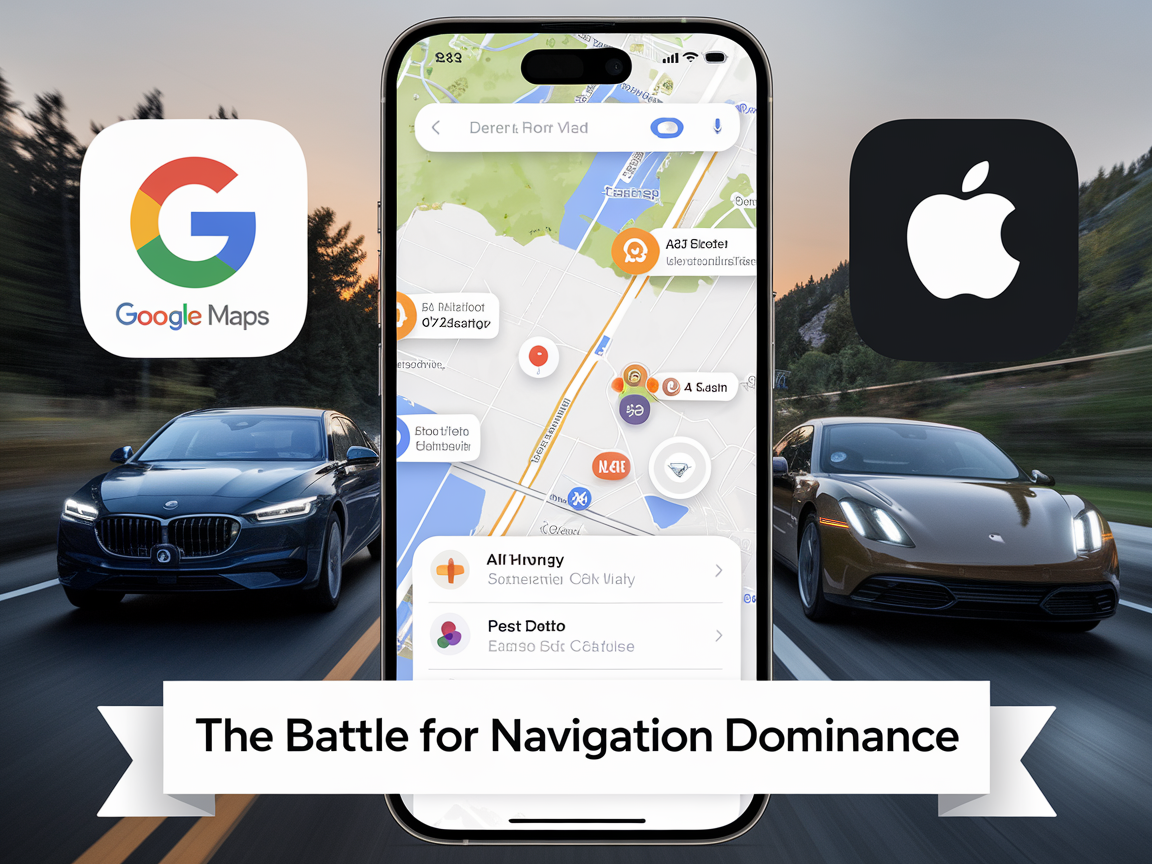
Google Maps, iOS 26, and the battle for navigation dominance — this has been one of the biggest rivalries in tech for over a decade. For years, Google Maps has been the undisputed king of digital navigation, trusted by millions of iPhone and Android users worldwide. Apple, meanwhile, has struggled to convince iOS users that its own Apple Maps app could compete, especially after its disastrous launch in 2012.
But with the release of iOS 26, Apple has unveiled a series of game-changing upgrades that could shake Google’s dominance to its core. From AI-driven preferred routes to visited places history, Apple Maps is no longer the underdog—it’s starting to look like a serious challenger.
In this deep dive, we’ll break down:
- Why iOS 26 makes Apple Maps more competitive than ever.
- The 7 most powerful upgrades that might convince iPhone users to ditch Google Maps.
- A side-by-side comparison of Apple Maps vs. Google Maps for U.S. users.
- What this means for your privacy, daily commutes, and overall smartphone experience.
Let’s dive in.
📊 The State of the Navigation War: Google Maps Still Rules, But Apple Is Catching Up
According to Statista, over 1 billion people worldwide use Google Maps every month. The app dominates the navigation industry with its unmatched data ecosystem, real-time traffic tracking, and integration with Google Search.
Apple Maps, meanwhile, has been on an uphill journey since its shaky 2012 launch. Poor accuracy and slow updates made it a punchline among iPhone users. But Apple didn’t give up. Instead, it quietly invested billions into expanding its mapping data, acquiring companies like BroadMap and Embark, and deploying its own fleet of mapping vehicles.
Now with iOS 26, Apple Maps is not only catching up—it’s bringing exclusive features that even Google doesn’t offer.
🔥 7 Powerful Upgrades in iOS 26 That Could Crush Google Maps
1. Preferred Routes: Smarter Commutes with AI Predictions
One of the biggest highlights in iOS 26 is Preferred Routes.
- Apple Maps now learns your daily habits (like your commute to work or gym).
- It proactively alerts you about traffic delays or road closures before you even start driving.
👉 Google Maps can suggest alternate routes, but it doesn’t learn your personal patterns as seamlessly. Apple is essentially using machine learning to make navigation predictive rather than reactive.
2. Visited Places: Your Personal Travel Journal
Another exclusive feature in iOS 26 is Visited Places.
- Apple Maps automatically logs the restaurants, stores, and locations you visit.
- It creates a timeline history—a useful tool for remembering places or revisiting past trips.
While Google Maps offers a similar “Timeline” feature, Apple’s implementation is cleaner and more privacy-focused, with easier opt-out options.
3. Sleeker Design and Glass UI
Apple has redesigned its Maps interface with a sleek, glass-like look that feels more intuitive and less cluttered than Google Maps.
- Tapping on a building or store shows just the right amount of info.
- Unlike Google, which often bombards you with reviews, ads, and options, Apple keeps it minimal and elegant.
This design-first approach could resonate with iPhone power users who value a polished, distraction-free experience.
4. Enhanced Step-by-Step Voice Guidance
Navigation in iOS 26 feels more natural thanks to refined voice directions. Apple Maps now gives:
- Clearer step-by-step guidance.
- More accurate lane directions.
- Faster rerouting when you miss a turn.
For U.S. drivers, especially those in congested cities like New York, Los Angeles, and Chicago, this means less stress on the road.
5. Real-Time Congestion Forecasting
Apple Maps has finally matched Google in real-time traffic prediction. But in iOS 26, it goes a step further by factoring in historic traffic data and machine learning models to forecast congestion before it happens.
Imagine leaving for work and getting a push notification saying:
“Your usual route will be 20 minutes slower due to an upcoming traffic jam. Try this alternate route.”
That’s next-level convenience.
6. Widgets and Lock Screen Integration
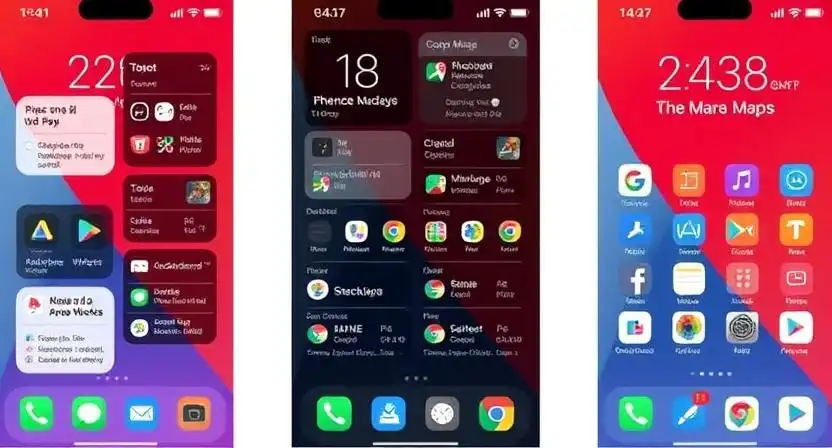
Apple is all about ecosystem integration, and iOS 26 brings Apple Maps widgets directly to your lock screen and home screen.
- Instantly view ETA, traffic conditions, or transit updates.
- No need to open the app.
This hands-free convenience makes Apple Maps feel like a native iOS feature, whereas Google Maps still feels like a third-party app on iPhones.
7. Privacy-First Navigation
Apple has built its brand on privacy, and Apple Maps continues that tradition. Unlike Google Maps, which relies on ad-targeting, Apple:
- Does not link navigation data to your Apple ID.
- Keeps your visited places encrypted and local to your device.
- Gives you full control over what history is stored.
For U.S. consumers increasingly concerned about data privacy, this is a huge selling point.
🥊 Apple Maps vs. Google Maps: A Head-to-Head Comparison

| Feature | Apple Maps (iOS 26) | Google Maps (Latest) |
|---|---|---|
| Traffic Prediction | Real-time + AI forecasting | Real-time only |
| Preferred Routes | ✅ (Exclusive) | ❌ |
| Visited Places | ✅ (Cleaner, privacy-focused) | ✅ (Timeline, less private) |
| Design/UI | Minimal, glass-style | Feature-rich, cluttered |
| Widgets | Lock screen + home screen | Limited iOS integration |
| Privacy | Local storage, no ads | Data used for ads |
| Global Coverage | Growing, but weaker in rural U.S. & developing regions | Industry-leading worldwide |
| Transit Info | Strong in U.S. cities | Stronger globally |
📱 Should You Switch from Google Maps to Apple Maps?
The big question: should iPhone users finally ditch Google Maps?
- If you value design, privacy, and seamless iOS integration, Apple Maps in iOS 26 is a clear winner.
- If you travel internationally or rely on hyper-detailed business info, Google Maps still has the edge.
For many U.S. users who rarely leave the Apple ecosystem, iOS 26 might finally be the tipping point to switch.
🛒 Recommended iPhone Accessories for Better Navigation
Since we’re talking about navigation, here are some must-have Amazon picks to improve your Apple Maps or Google Maps experience:
Apple MagSafe Car Mount – Securely mount your iPhone in your car for hands-free navigation.


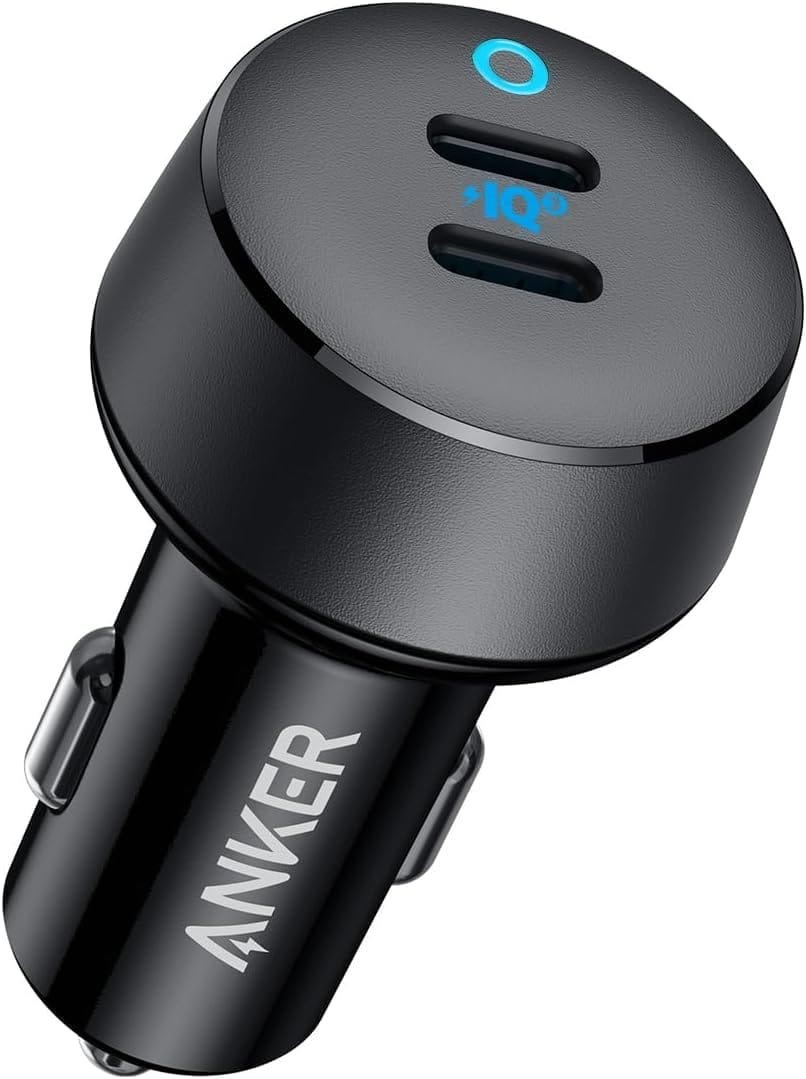
Anker 20W USB-C Car Charger – Keep your iPhone charged during long trips.
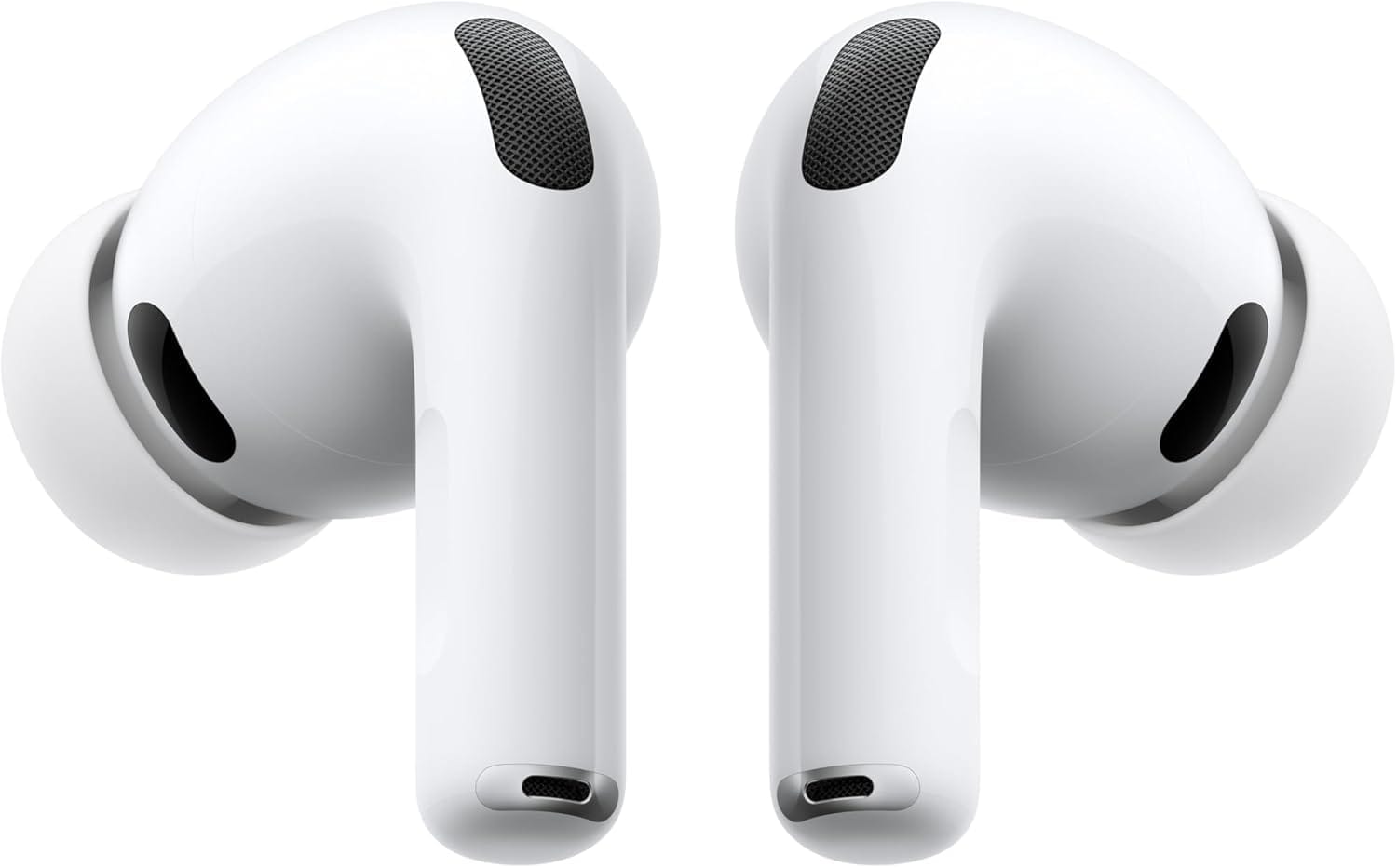
AirPods Pro 3 – Get crystal-clear turn-by-turn navigation in your ears.
- Related News:
❓ FAQs About Google Maps and iOS 26
Q1. Does Apple Maps in iOS 26 work offline like Google Maps?
Yes, Apple introduced offline maps in earlier versions, and iOS 26 expands this feature.
Q2. Is Apple Maps more accurate than Google Maps now?
In major U.S. cities, yes. In rural areas, Google Maps remains the preferred option.
Q3. What about EV drivers?
Apple Maps in iOS 26 includes EV charging station integration, a feature Google Maps also supports.
Q4. Which one drains more battery?
Google Maps tends to consume slightly more battery due to background processes and ads.
📌 Final Thoughts

With iOS 26, Apple Maps is no longer an afterthought. It’s now a serious challenger to Google Maps, offering 7 powerful upgrades that could reshape the navigation game. While Google still leads in global reach and data depth, Apple’s design, AI-driven features, and privacy-first approach make it the best choice for many U.S. iPhone users.
The navigation war is far from over—but for the first time in years, Apple Maps looks ready to fight on equal ground.