

Creating a kid-friendly smart home is more than just adding cool gadgets—it’s about making your home safer, more convenient, and fun for the whole family. With the rise of smart technology, parents now have the tools to create a home that’s not only high-tech but also safe and engaging for kids. In this article, we’ll explore how to build a kid-friendly smart home, from essential features to safety tips and the best gadgets for families. Let’s get started!
Table of Contents
What is a Kid-Friendly Smart Home?
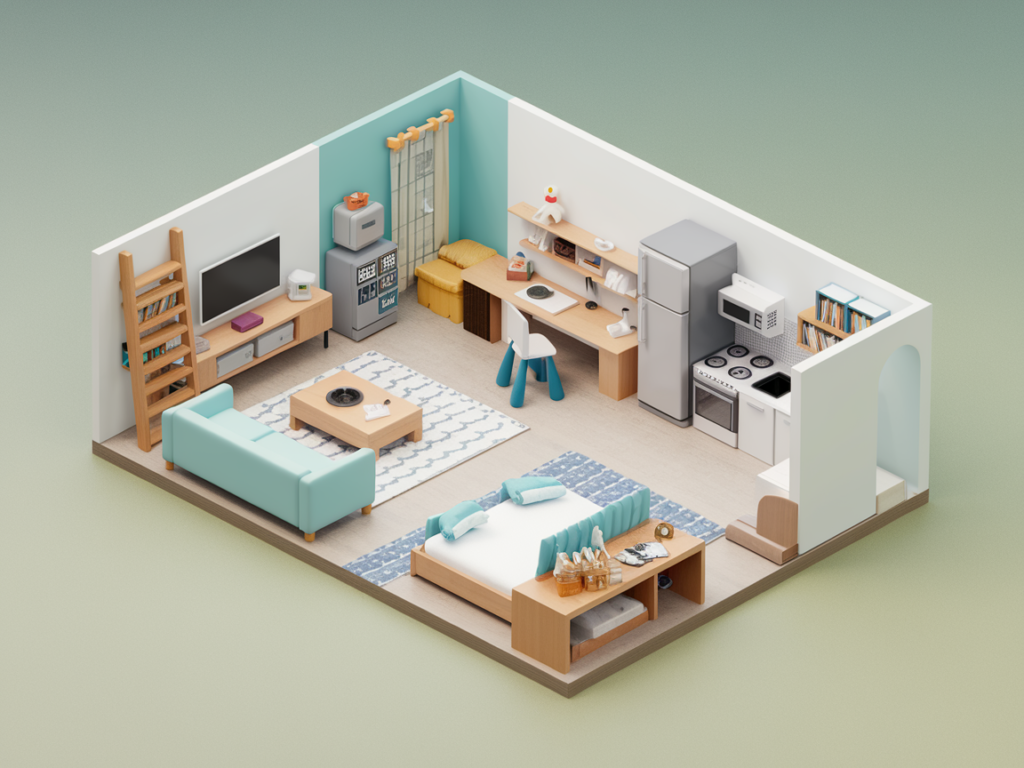
A kid-friendly smart home is a space where technology enhances safety, convenience, and fun for children while giving parents peace of mind. It’s about using smart devices like security cameras, voice assistants, and automated lighting to create a home that’s both functional and safe for kids.
The benefits of a kid-friendly smart home include:
- Enhanced Safety: Smart devices can monitor your home and alert you to potential risks.
- Convenience: Automate routines like turning off lights or adjusting the thermostat.
- Engagement: Fun, interactive gadgets can make daily tasks more enjoyable for kids.
By prioritizing safety and ease of use, you can create a home that works for the whole family.
Essential Features of a Kid-Friendly Smart Home
Smart Security Systems
A kid-friendly smart home starts with safety. Smart security systems can help you keep an eye on your kids and protect your home. Key features include:
- Child-Safe Cameras: Monitor playrooms or nurseries with cameras that offer night vision and two-way audio.
- Smart Door Locks: Prevent unauthorized access with locks you can control remotely.
- Real-Time Alerts: Get notifications if a door is opened or motion is detected.
These tools give parents peace of mind while keeping kids safe.
Voice-Activated Assistants
Voice assistants like Alexa or Google Assistant can make life easier for families. With kid-friendly smart home settings, these devices can:
- Answer questions and play music.
- Set reminders for homework or bedtime.
- Control other smart devices with simple voice commands.
Parental controls ensure kids only access age-appropriate content.
Smart Lighting
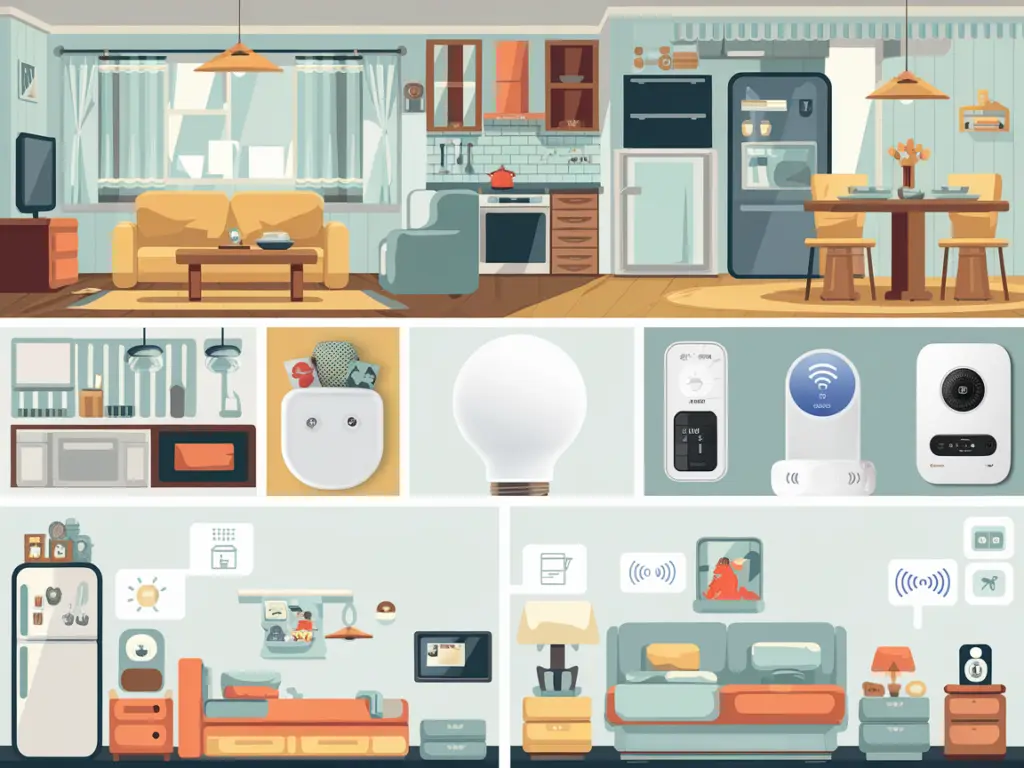
Automated lighting is a game-changer for families. With smart lights, you can:
- Set schedules to turn lights on or off at specific times.
- Use motion sensors to light up hallways at night.
- Create fun lighting effects for playtime or bedtime.
Smart lighting adds both safety and convenience to your home.
Smart Thermostats
A comfortable home is essential for kids, and smart thermostats make it easy to maintain the perfect temperature. Benefits include:
- Remote control via your smartphone.
- Energy-saving features to reduce utility bills.
- Customizable schedules for day and night.
With a smart thermostat, you can ensure your home is always cozy for your little ones.
Safety Tips for a Kid-Friendly Smart Home
Secure Your Wi-Fi Network
Your smart home relies on Wi-Fi, so it’s crucial to keep it secure. Tips include:
- Use strong, unique passwords for your network and devices.
- Enable encryption to protect your data.
- Consider using a firewall or VPN for added security.
A secure network is the foundation of a kid-friendly smart home.
Set Up Parental Controls
Parental controls are essential for keeping kids safe online. Here’s how to use them:
- Restrict access to inappropriate content or apps.
- Set screen time limits to prevent overuse.
- Use app blockers to ensure kids only use approved tools.
These controls help create a safe digital environment for your family.
Childproof Smart Devices
Smart devices can pose risks if not properly secured. Follow these tips:
- Cover cords and outlets to prevent accidents.
- Secure smart plugs and appliances out of reach.
- Use tamper-proof covers for smart thermostats or cameras.
Childproofing ensures your smart home is safe for curious little hands.
Monitor Smart Home Activity
Stay in control of your smart home by:
- Reviewing activity logs to track device usage.
- Setting up alerts for unusual activity.
- Regularly updating devices to ensure they’re secure and functioning properly.
Monitoring helps you catch potential issues before they become problems.
Kid-Friendly Smart Home Gadgets
Smart Cameras for Nurseries and Playrooms
Smart cameras are a must-have for parents. Look for features like:
- Night vision for clear images in the dark.
- Two-way audio to talk to your kids remotely.
- Temperature monitoring to ensure a comfortable environment.
These cameras provide peace of mind and help you stay connected.
Smart Speakers with Kid Modes
Devices like the Amazon Echo Dot Kids Edition are designed for families. They offer:
- Kid-friendly content and parental controls.
- Fun features like games and bedtime stories.
- Voice commands to control other smart devices.
Smart speakers make technology fun and educational for kids.
Smart Locks for Family Safety
Smart locks add an extra layer of security to your home. Benefits include:
- Remote locking and unlocking via your smartphone.
- Custom access codes for family members or babysitters.
- Alerts when someone enters or leaves your home.
These locks keep your home secure while making life easier for busy parents.
Smart Plugs and Outlets
Smart plugs let you control appliances remotely. Use them to:
- Turn off devices when not in use.
- Set schedules for lights or fans.
- Prevent accidents by cutting power to dangerous appliances.
Smart plugs are a simple way to add convenience and safety to your home.
How to Involve Kids in a Smart Home
Teach Kids About Smart Technology
Educate your kids about using smart devices responsibly. Explain how they work and why safety is important.
Create Fun and Educational Routines
Use smart devices to make daily tasks more enjoyable. For example:
- Set up a morning routine with music and lights.
- Use voice assistants for bedtime stories or homework reminders.
- Create interactive games that teach kids about technology.
These routines make technology a positive part of your family’s life.
Encourage Safe Exploration
Let kids interact with smart devices under supervision. This helps them learn while staying safe.
Common Mistakes to Avoid
Overloading with Too Many Devices
Too much technology can overwhelm kids. Focus on devices that add real value to your home.
Ignoring Privacy Concerns
Protect your kids’ data by choosing devices with strong privacy features.
Skipping Regular Updates
Keep your devices updated to ensure they’re secure and functioning properly.
Conclusion
Creating a kid-friendly smart home is all about balancing technology with safety and fun. By choosing the right devices, setting up parental controls, and teaching kids about responsible use, you can create a home that’s both high-tech and family-friendly.
Start building your kid-friendly smart home today and enjoy the benefits of a safer, smarter living space!
FAQs About Kid-Friendly Smart Homes
What is the best smart home device for kids?
The Amazon Echo Dot Kids Edition is a great choice, offering kid-friendly content and parental controls.
How can I ensure my smart home is safe for children?
Use parental controls, secure your Wi-Fi network, and childproof all devices.
Are voice assistants safe for kids to use?
Yes, with parental controls and kid-friendly settings, voice assistants are safe and fun for kids.
How do I set up parental controls on smart devices?
Most devices have built-in parental controls. Check the settings menu or user manual for instructions.


I discovered your blog site on google and check a few of your early posts. Continue to keep up the very good operate. I just additional up your RSS feed to my MSN News Reader. Seeking forward to reading more from you later on!…
That’s incredibly encouraging—thank you so much! 🙌 It means a lot to know the early posts caught your attention and that you’ve added the RSS feed to your MSN News Reader. That’s a real vote of confidence, and I’m genuinely grateful.
I’ll keep the momentum going and make sure future posts continue to deliver value, insight, and maybe a few surprises along the way.
Very informative and wonderful structure of subject matter, now that’s user pleasant (:.
An impressive share, I just given this onto a colleague who was doing a little analysis on this. And he in fact bought me breakfast because I found it for him.. smile. So let me reword that: Thnx for the treat! But yeah Thnkx for spending the time to discuss this, I feel strongly about it and love reading more on this topic. If possible, as you become expertise, would you mind updating your blog with more details? It is highly helpful for me. Big thumb up for this blog post!
Can I just say what a reduction to search out someone who truly is aware of what theyre speaking about on the internet. You positively know the way to carry a difficulty to light and make it important. Extra individuals need to read this and perceive this aspect of the story. I cant consider youre not more popular because you definitely have the gift.